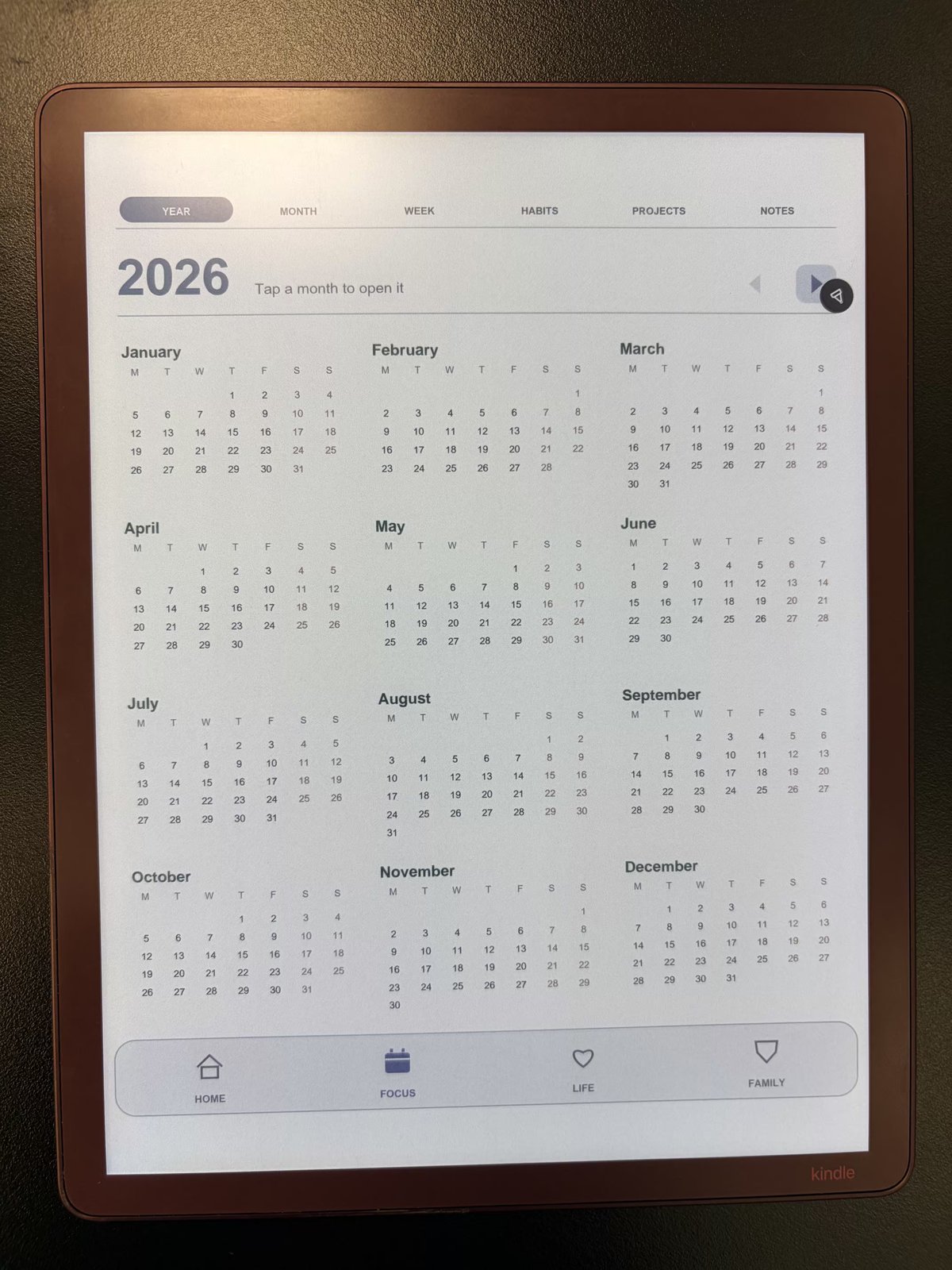
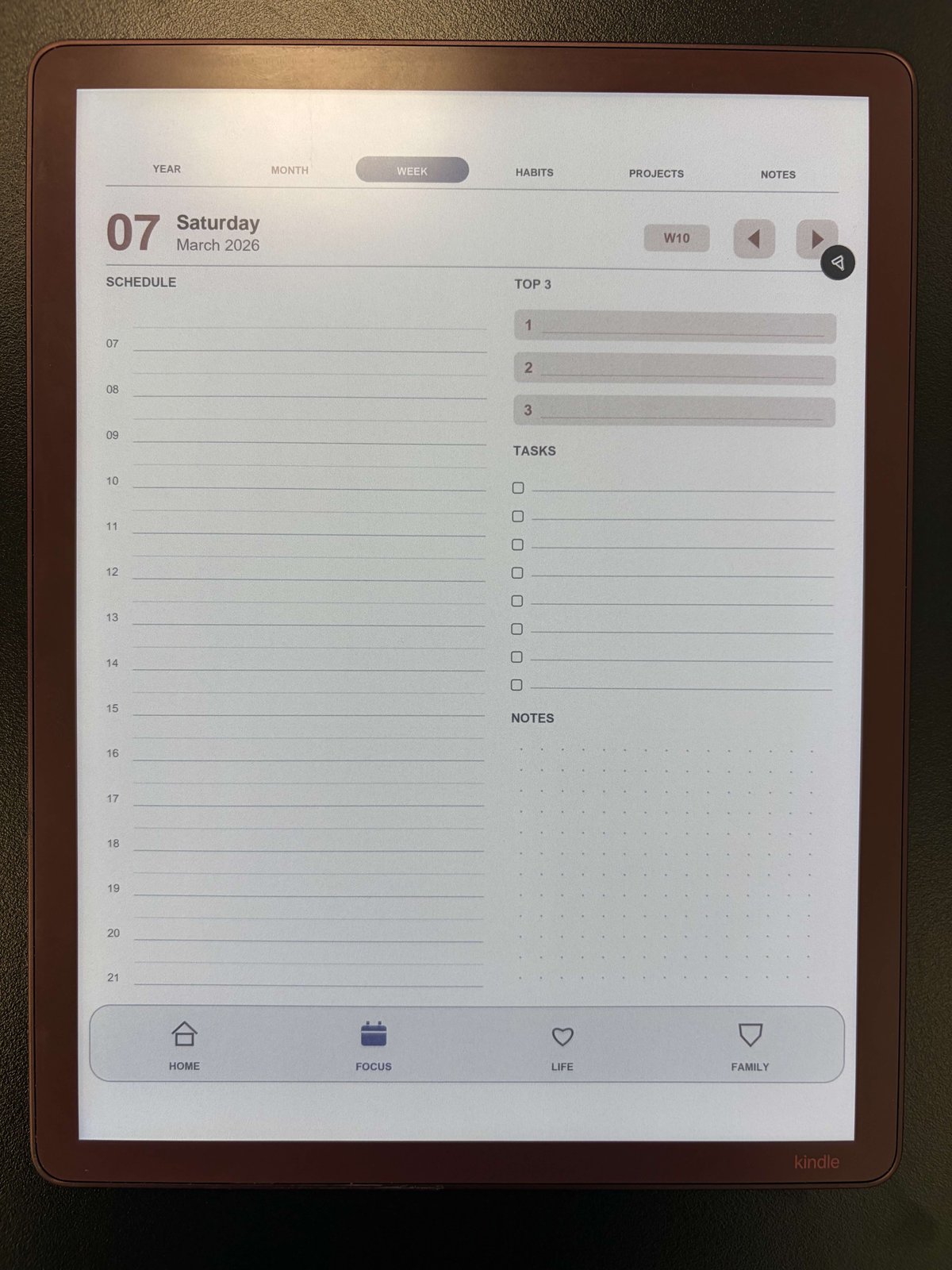
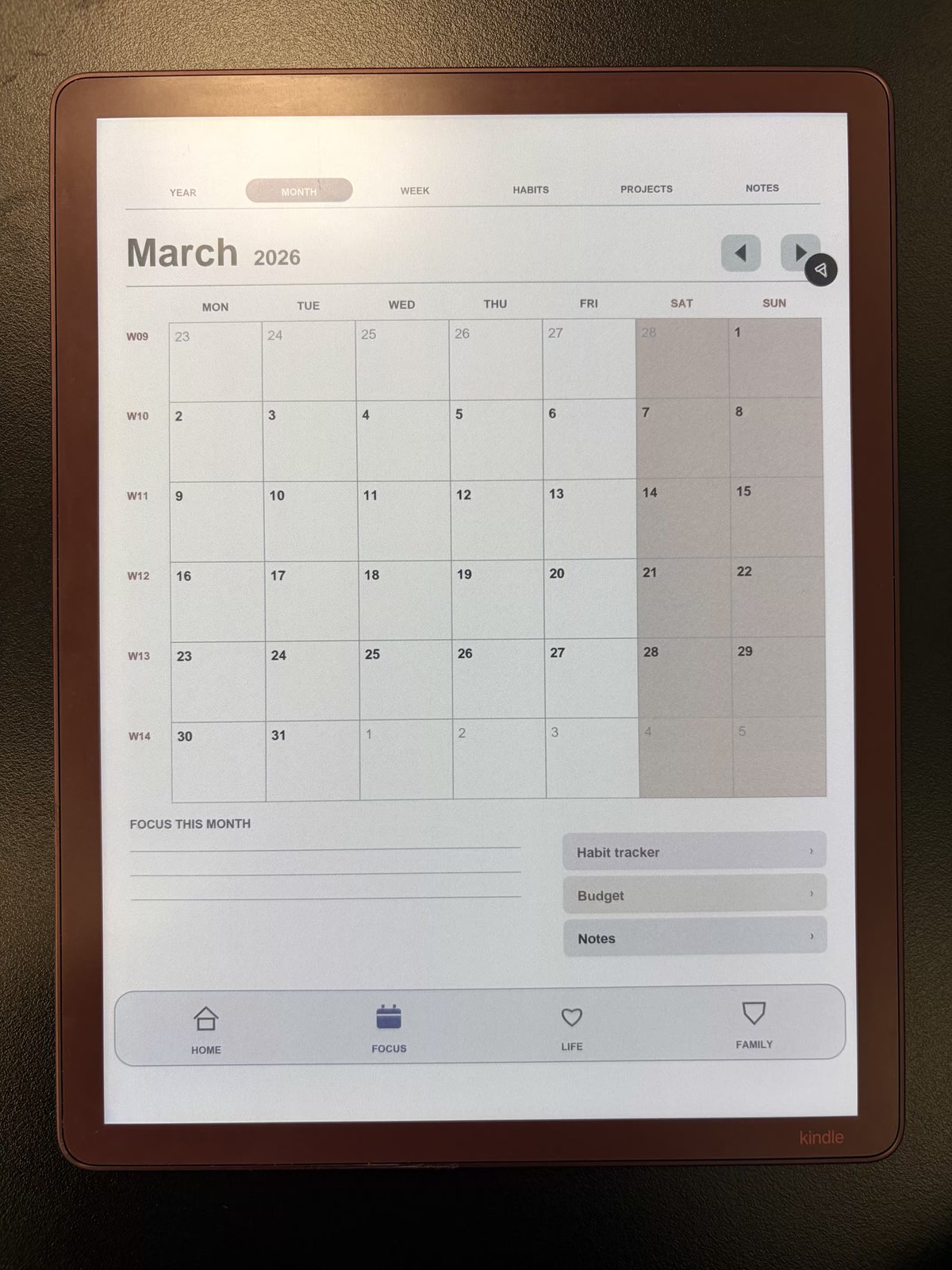
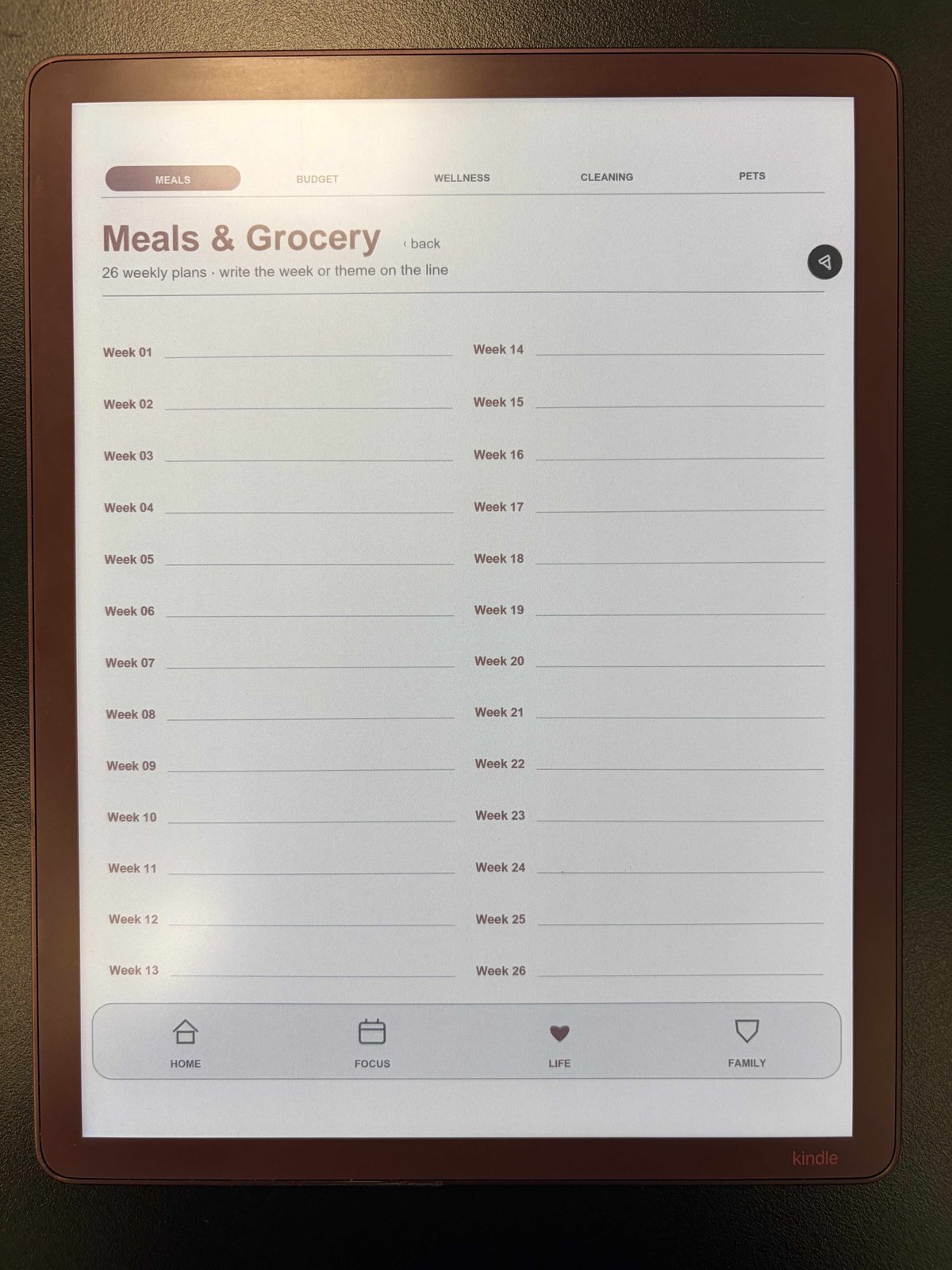
A connected planning system

One tablet.
One planner. Everything in place.

Lustrum turns your tablet into a single, connected planning system for your work, your home, and your peace of mind — all in one hyperlinked PDF.

Free forever · No account · No email · Works offline

2,500+
Linked pages
Every day
Dated & undated
1 file
Nothing to install
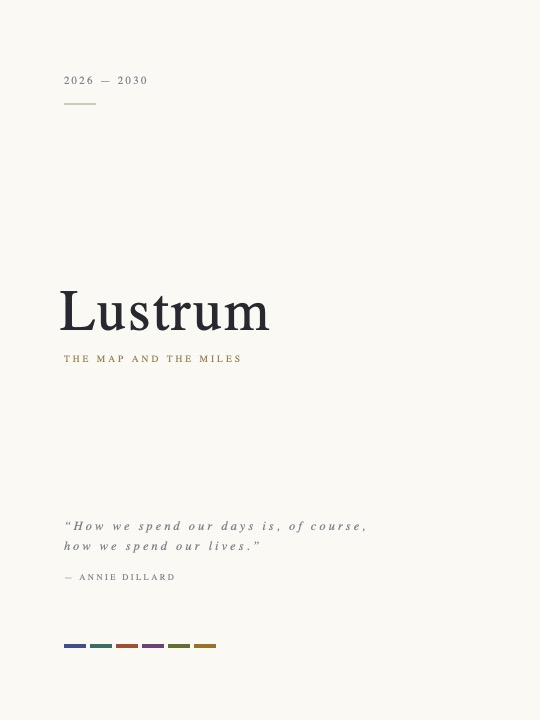
The Lustrum connected planning system open on a tablet

Most planners are a pile of files

A weekly here, a tracker there, a habit sheet in another folder. You spend more time hunting for the right page than actually planning. Lustrum brings it all into one place, linked together, so the next page is always a tap away.

Three parts of one system

Everything you plan lives under one of three ideas — and every part links back to the others.

Work & time

Yearly, monthly, weekly, and daily pages that flow into each other. Set the big picture, then zoom all the way down to today.

Home & living

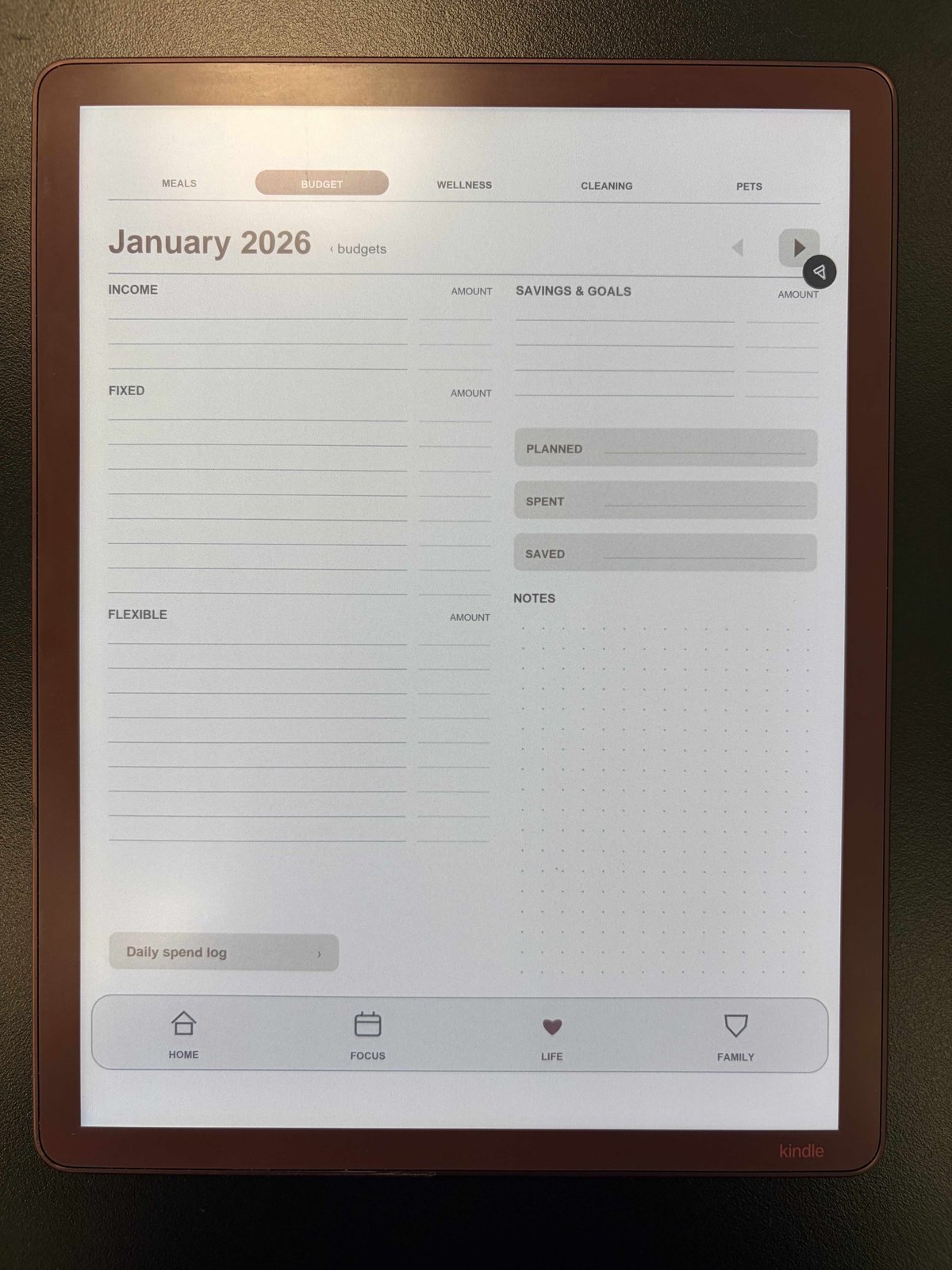
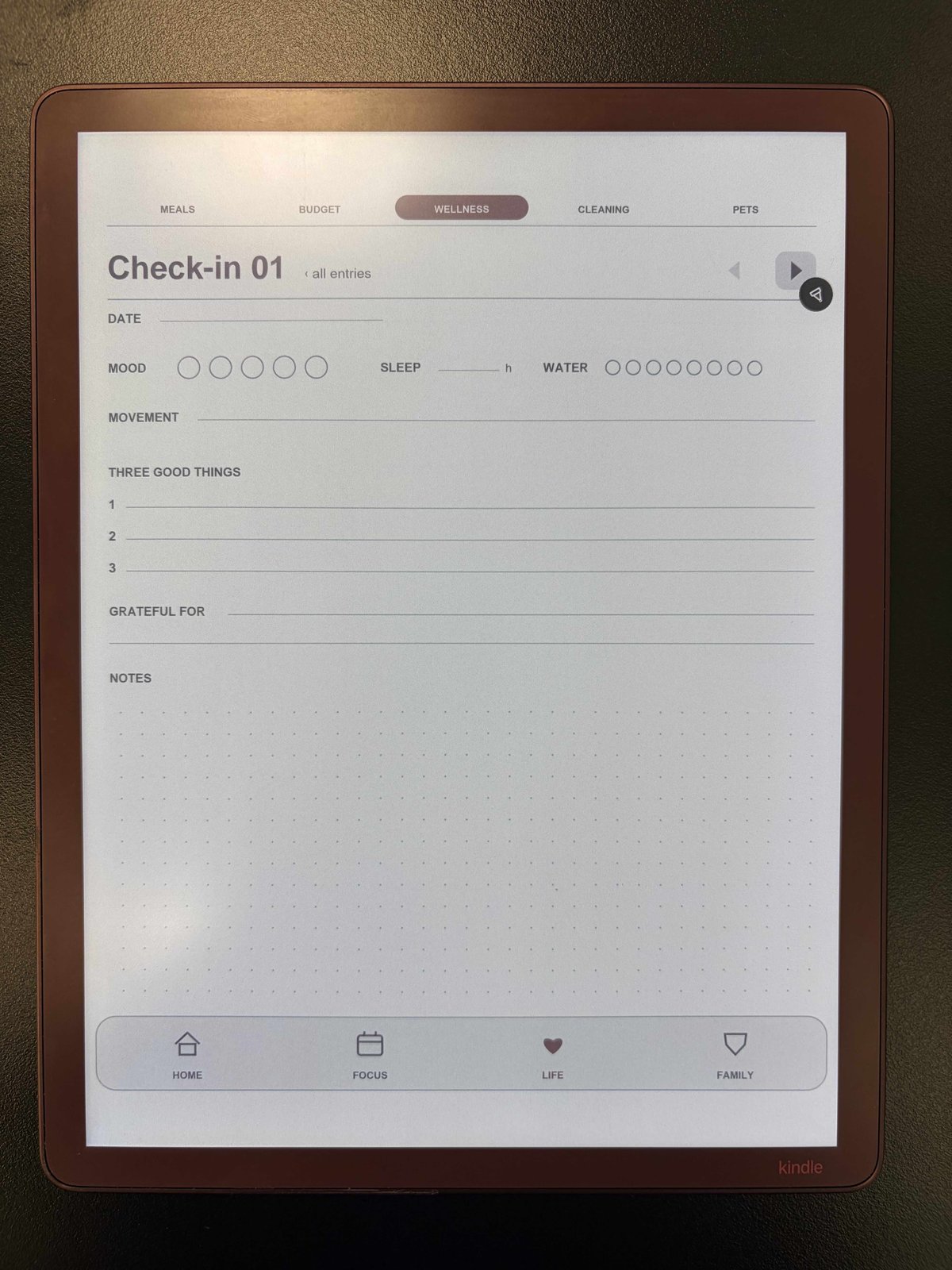
Meals, budgets, cleaning routines, wellness, and the small things that keep a household running — all in one calm place.

Peace of mind

Emergency contacts, medical notes, and important family details, kept together so the answers are there when you need them.

What's inside

Real pages, made for handwriting on an e-ink or paper-like screen.

Up and running in three steps

No app store, no sign-up. Just one file and your tablet.

Download the PDF

Grab the free Lustrum file straight to your device — it's a single download.

Import to your tablet

Open it in your favorite notes or PDF app, such as GoodNotes, Notability, Xodo, or your built-in notes app.

Navigate by tapping

Tap the links to jump between years, months, weeks, and sections. Write on any page with your stylus.

Big projects, broken down

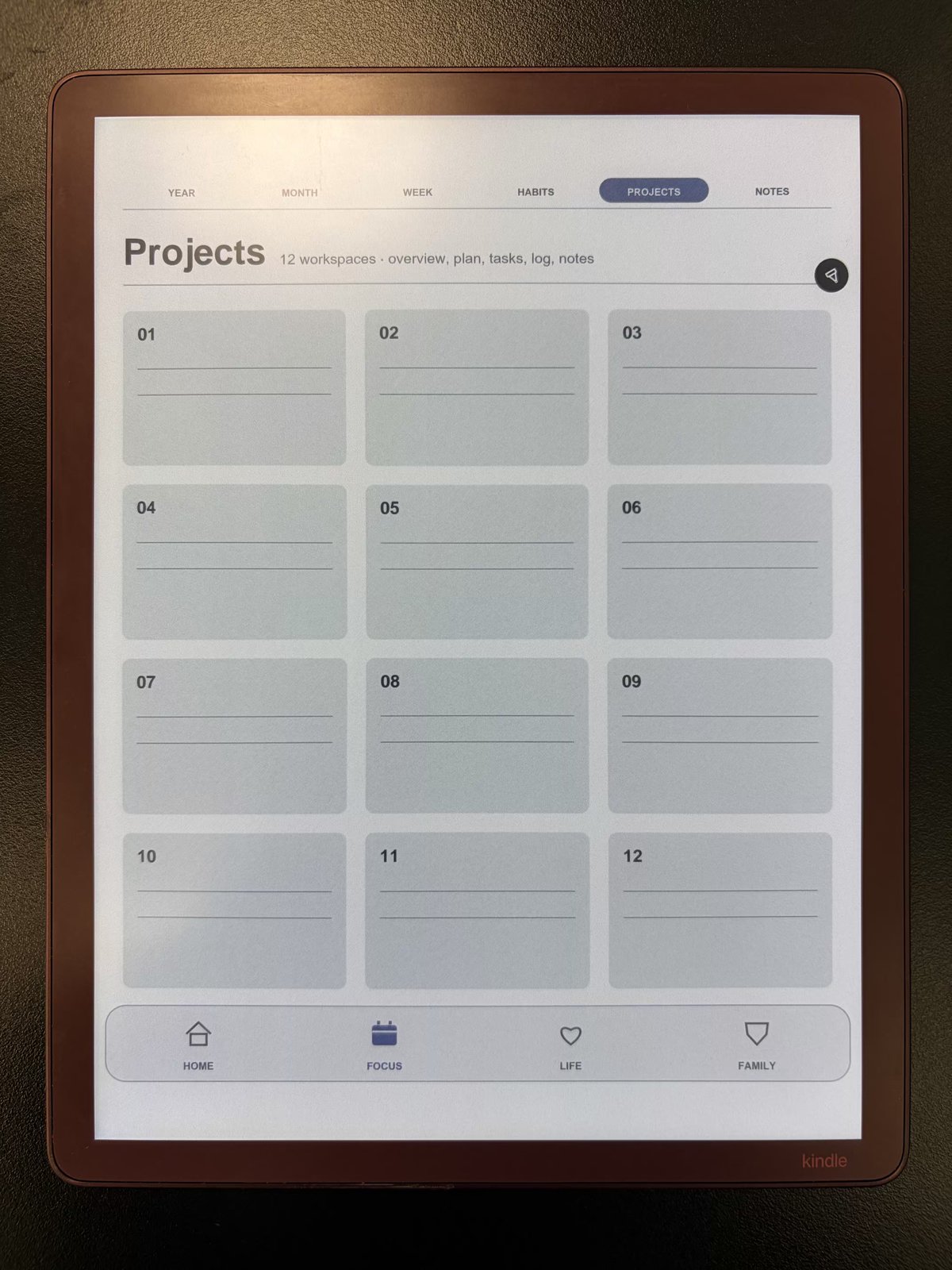
Map out the long view. Give every project its own space, then follow the links all the way down to a single day — and back up again — without ever leaving the file.

Projects planning page

Home & life, organized

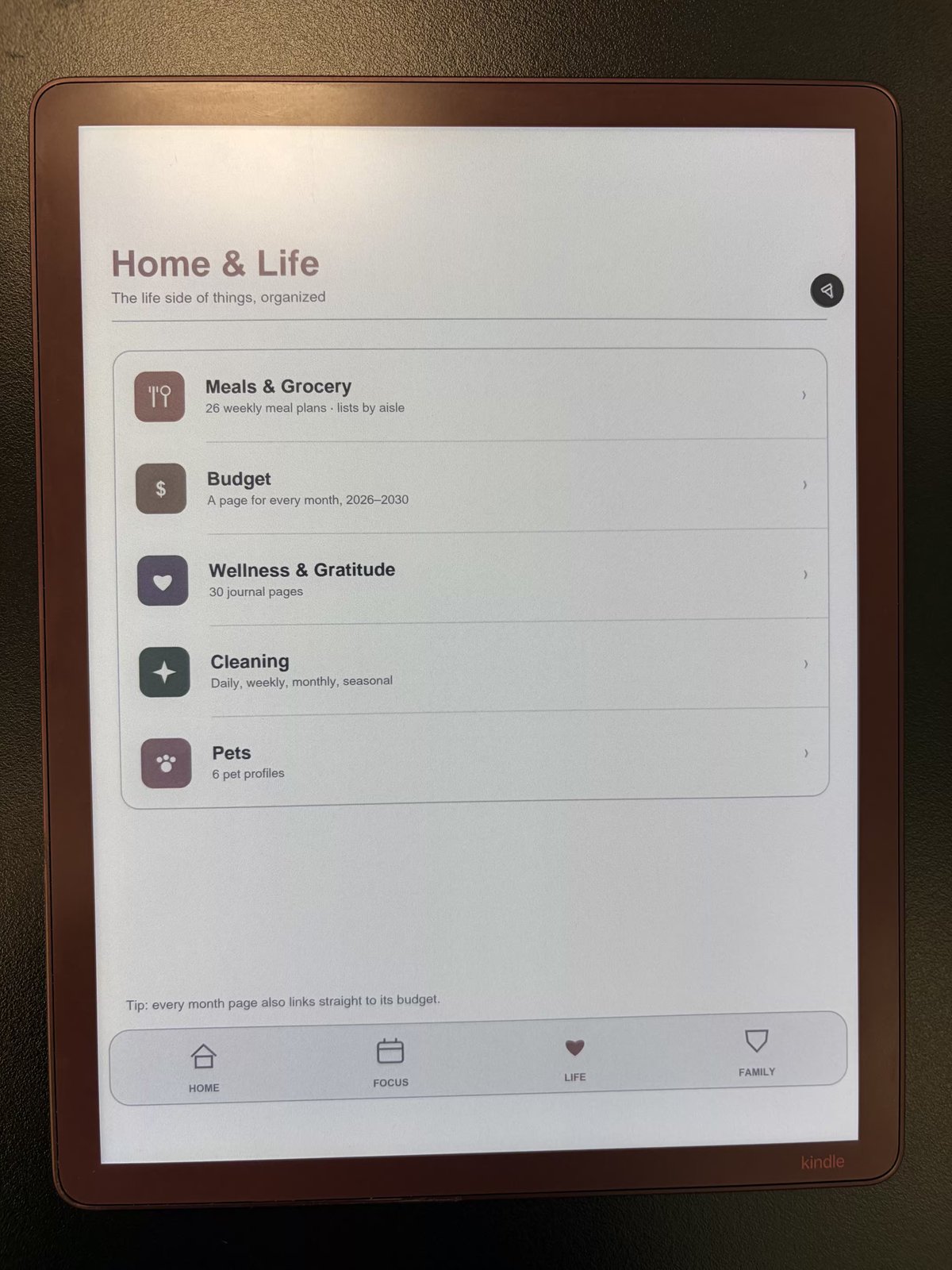
A quiet dashboard for the parts of life that don't fit in a work calendar — meals, money, home, and wellbeing, all cross-linked and easy to reach.

Home and life dashboard page

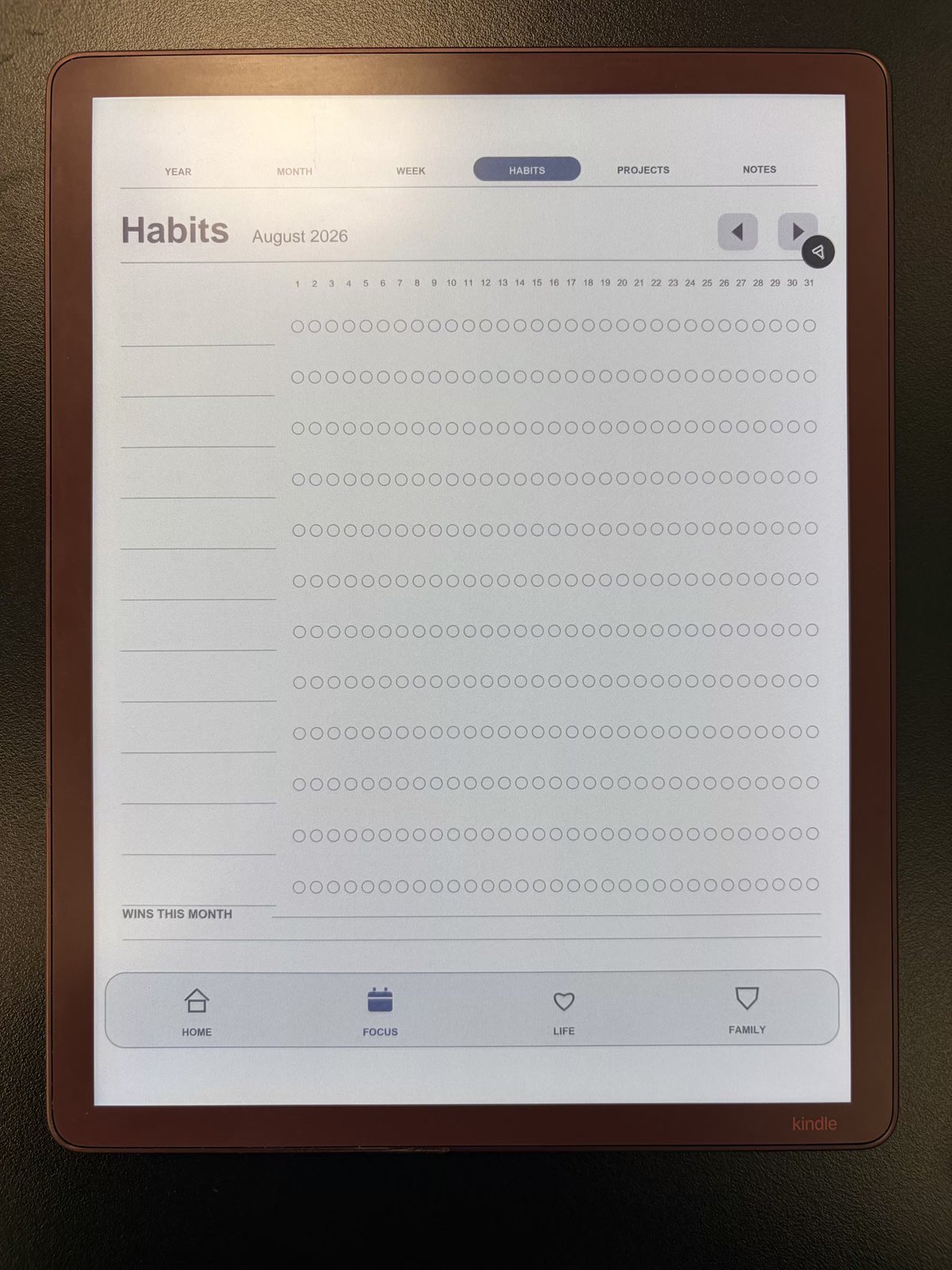
Habits that actually stick

Track the routines that matter with a simple, repeatable habit page. Check in each day and watch the streaks build — right alongside the rest of your plan.

Habit tracker page

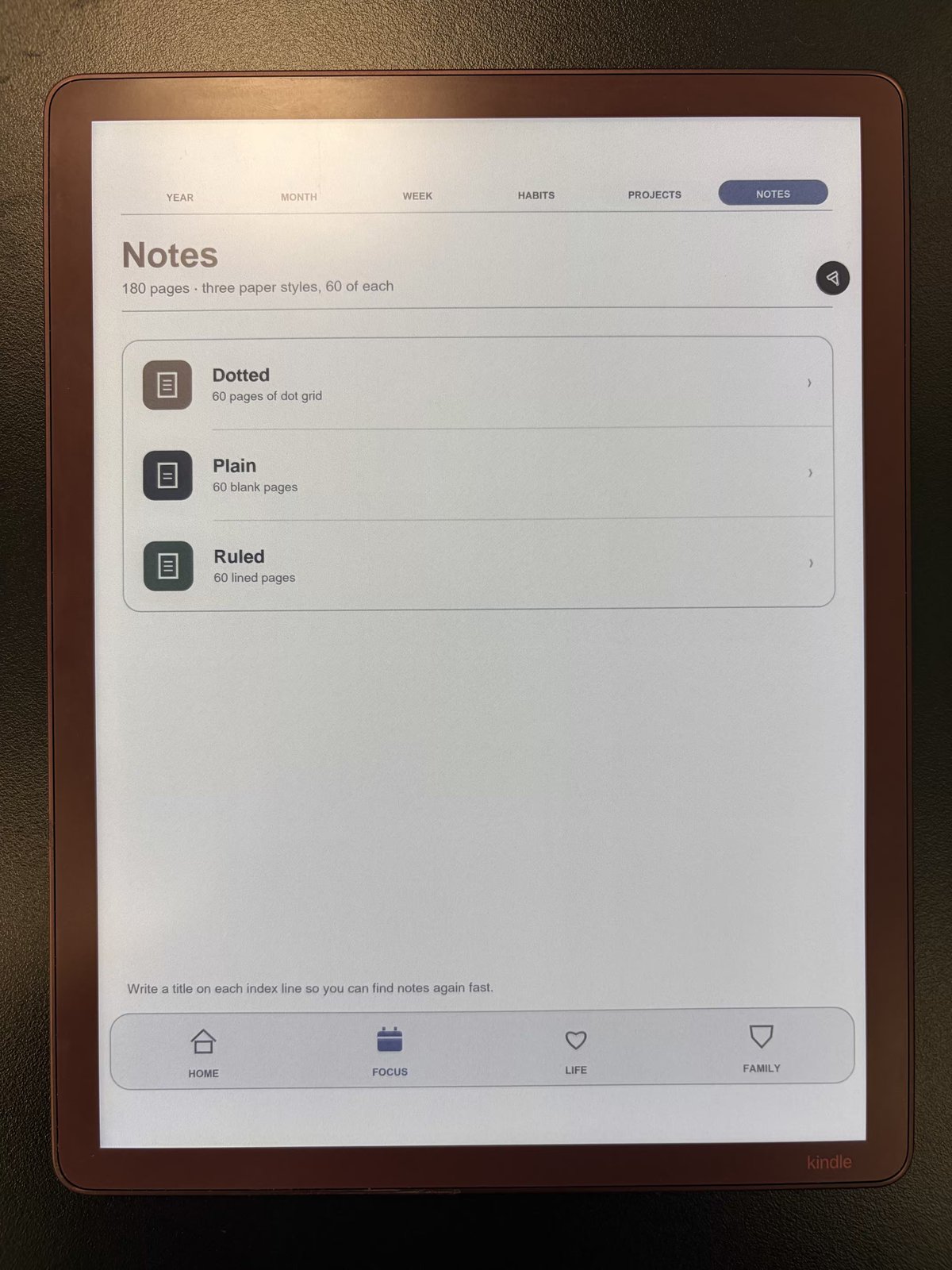
Quiet, paper-like design

Monochrome, uncluttered, and made to feel like paper. It reads beautifully on e-ink screens and stays out of the way so you can focus.

Paper-like planner page

Why one connected file?

The difference between a system and a stack of downloads.

FeatureLustrumOthers
One connected PDFScattered templates
Hyperlinked across sections
Works on any PDF-capable tabletOften app-locked
Fully offlineSometimes
Write by hand with a stylusVaries
PriceFreePaid

Questions, answered

Is Lustrum a free alternative to Inkly?

Yes. If you've been comparing premium connected PDF planners such as Inkly, Lustrum offers the same one-connected-file idea — thousands of hyperlinked pages for work, home, and life on your tablet — completely free. No purchase, no account, and no email required, so you can try it on your own device before spending anything.

Is Lustrum an app or a PDF?

Lustrum is a single hyperlinked PDF, not an app. There's nothing to install and no account to create. You download one file and open it in the notes or PDF app you already use.

Which devices does it work with?

Any device that can open a PDF with working links — Kindle Scribe, iPad, Samsung Tab, reMarkable, Boox, and even your desktop. For handwriting, open it inside a notes app such as GoodNotes, Notability, Xodo, or your device's built-in notes app.

How much does it cost?

Lustrum is completely free. Download it and use it as much as you like — no purchase, no subscription, and no email required.

Does it work offline?

Yes. Once the PDF is on your device, everything works offline. The links between pages are built into the file itself, so no internet connection is needed to navigate.

Can I write on it by hand?

Yes. Import the PDF into a notes app that supports PDF annotation and you can write directly on every page with your stylus, just like paper.

Can I share it with a friend?

Please send them here to download their own free copy — that way they always get the latest version.

Make room for what matters

One file. One place for everything you plan. Download Lustrum and start today.

Download Lustrum — Free

Free forever · No account · No email · Works offline