Is there a calculator that lives in the Mac menu bar?
Yes. Calcbar: Menu Bar Calculator is a Mac App Store app that puts a calculator in the macOS menu bar. Click its icon or press your global keyboard shortcut, type an expression, and the answer appears under the bar. Press Escape or click anywhere else and it disappears.
How do I open and close Calcbar?
Click the Calcbar icon in the menu bar, or press the global keyboard shortcut you set, from any app. To close it, press Escape or click anywhere else. Turn on the lock in the bar if you want Calcbar to stay open while you work in another window.
What can Calcbar calculate?
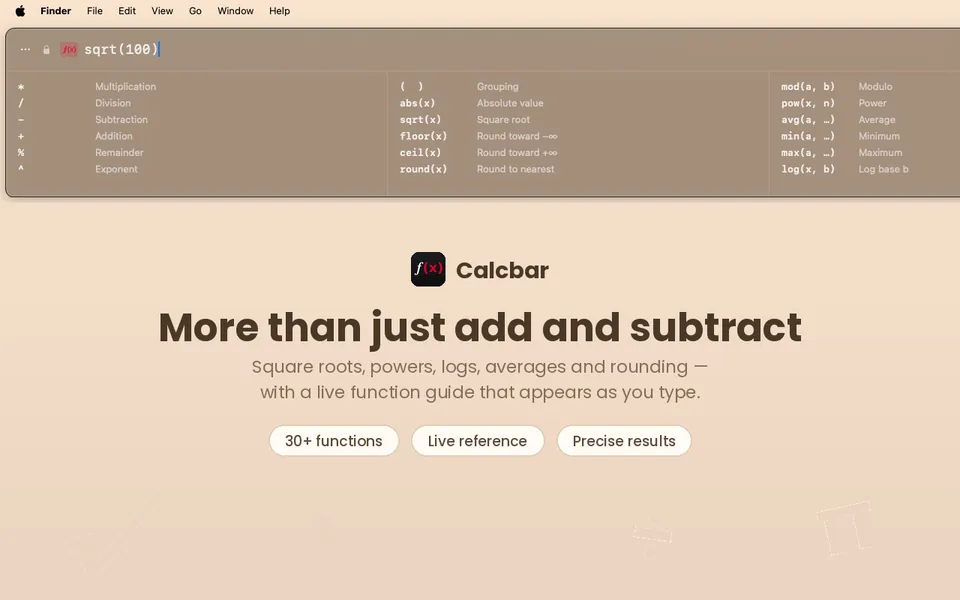
Calcbar handles addition, subtraction, multiplication, division, remainder (%), exponents (^) and grouping with parentheses. It also has functions such as abs, sqrt, floor, ceil, round, mod, pow, avg, min, max and log, and a live function guide that appears as you type. The App Store screenshots list more than 30 functions.
Can I type a whole calculation instead of clicking buttons?
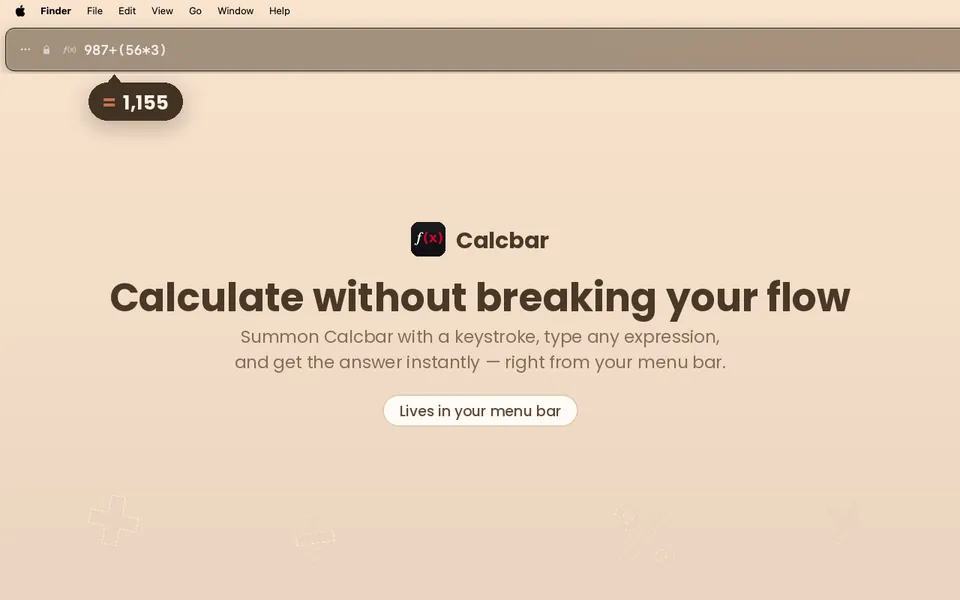
Yes. Calcbar is keyboard-first. Type the whole expression, for example 987+(56*3), and the result, 1,155, appears straight away. No mouse is needed.
Does Calcbar keep a history of my calculations?
Yes. Calcbar keeps a calculation history so you can review recent results without entering the numbers again. The history stays on your Mac.
How do I copy the result?
One click copies the result to the clipboard, ready to paste into a spreadsheet, a document or a chat.
How much does Calcbar cost?
Calcbar is $0.99 in the US as a one-time purchase on the Mac App Store. There is no subscription, no in-app purchase and no account. The Mac App Store shows the price in your local currency.
What happened to the original Calcbar?
The original Calcbar, a menu bar calculator for Mac, is no longer available on the App Store. Calcbar: Menu Bar Calculator is a new app by Anand Raj R of ARRcade, made because the original was his favourite app and he wanted it back. It is not affiliated with the makers of the original.
Is this the old Calcbar app?
No. This Calcbar is a new app inspired by the original Calcbar, which is no longer on the App Store. It keeps the same idea, a calculator one click away in the menu bar, and is built and sold by ARRcade. It is not an update of the old app and is not affiliated with its makers.
How is Calcbar different from the Mac Calculator app or Spotlight?
The Calculator app is a separate window you launch or switch to, and Spotlight is a search field. Calcbar sits in the menu bar, opens with one click or your own shortcut, takes a whole typed expression with functions, keeps a history and copies the result in one click, then closes with Escape.
Does Calcbar collect my data or need the internet?
No. Calcbar does every calculation on your Mac and does not connect to the internet. It has no account, no analytics and no ads, and your calculations are never sent anywhere. Privacy policy.
Which Macs does Calcbar run on?
Calcbar is a Mac app from the Mac App Store and needs macOS 13 or later. It is not available for iPhone or iPad.
How do I get help?
Email anandrajramamoorthy@gmail.com with questions, bug reports or ideas. Every message is read.