Do right now
Crisis mode. The things that genuinely can't wait. Handle them first, then get out.
It isn't. Sort every task into Do, Schedule, Delegate or Delete, act on what's urgent and important, and let the rest fall away.
Fifteen seconds from chaos to clarity.
Is it urgent? Is it important? Every task fits one of four quadrants, and each one tells you exactly what to do with it.
Crisis mode. The things that genuinely can't wait. Handle them first, then get out.
Where real progress lives. Give it a time, and your future self will thank you.
Loud, but not yours to carry. Let someone else handle it.
Just… don't. The lightest task is the one you never do.
The Eisenhower Matrix, also called the urgent-important matrix or Eisenhower Box, is a way to prioritize by asking two questions of every task: is it urgent, and is it important? It is named after Dwight D. Eisenhower, who said in a 1954 speech, I have two kinds of problems, the urgent and the important. The urgent are not important, and the important are never urgent.
Stephen Covey turned the idea into the four-quadrant grid in The 7 Habits of Highly Effective People (1989). (nothing) To Do puts that grid in your pocket.
Drag each task into a quadrant, tap a quadrant, or answer the two questions. Then tick off what you Do, and let Delete go. See how little is left.
On a keyboard, press 1 Do, 2 Schedule, 3 Delegate or 4 Delete.
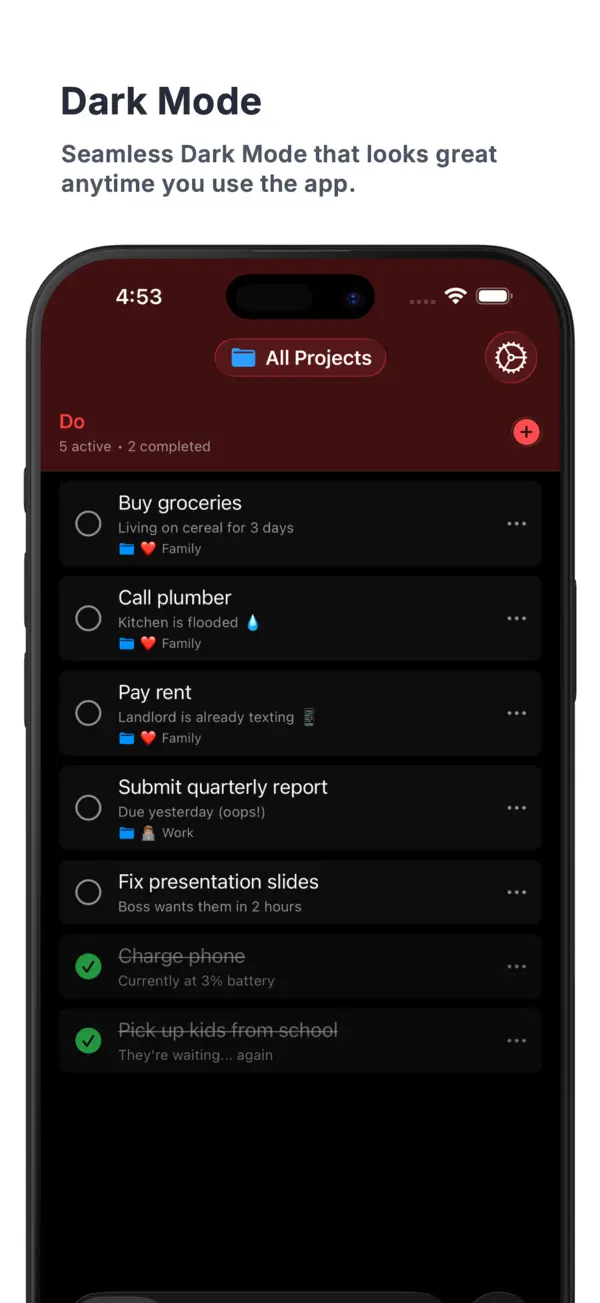
On iPad all four quadrants sit side by side, so you can see your whole week in one look. Drag the line to switch to Dark Mode.
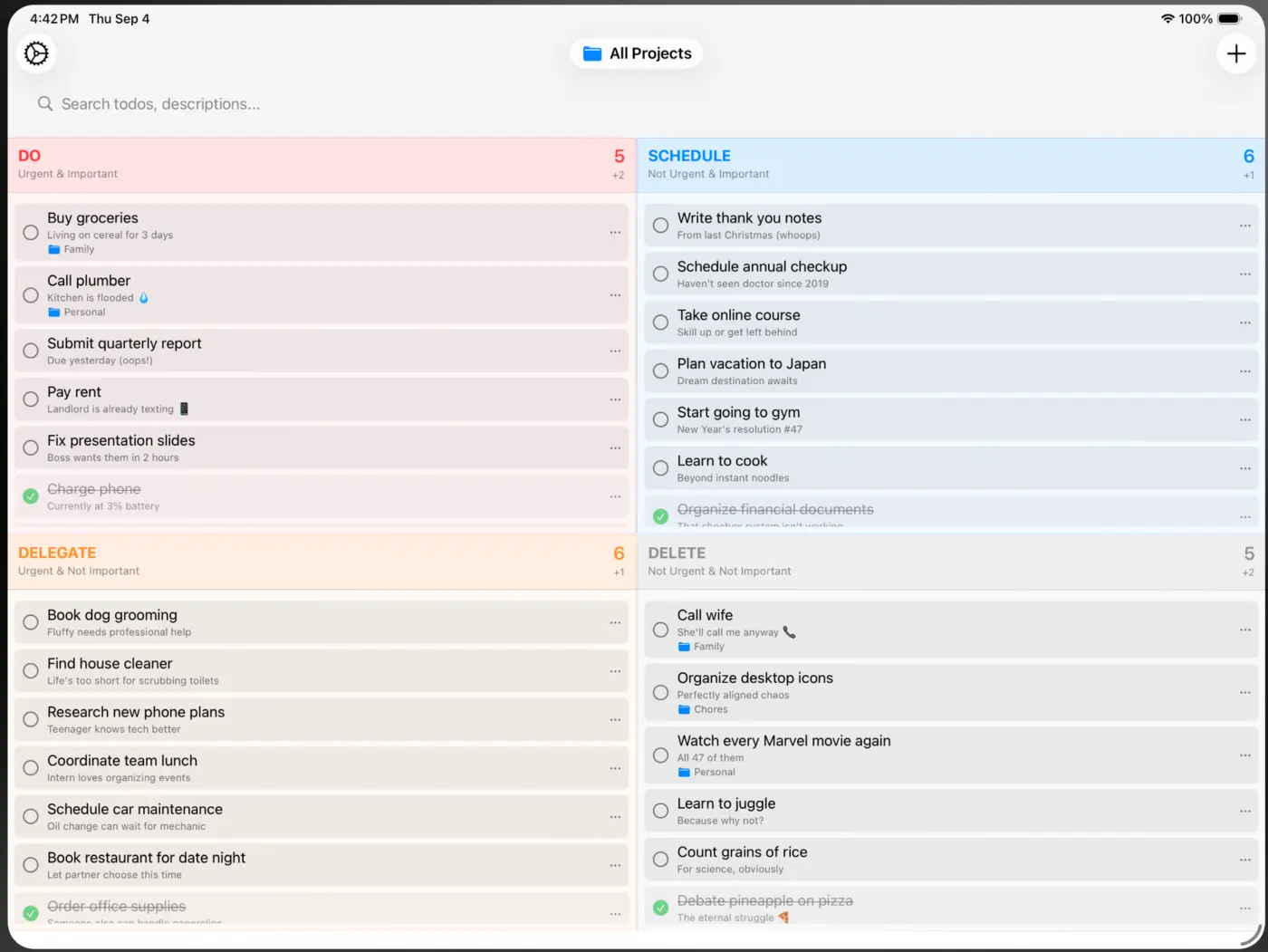
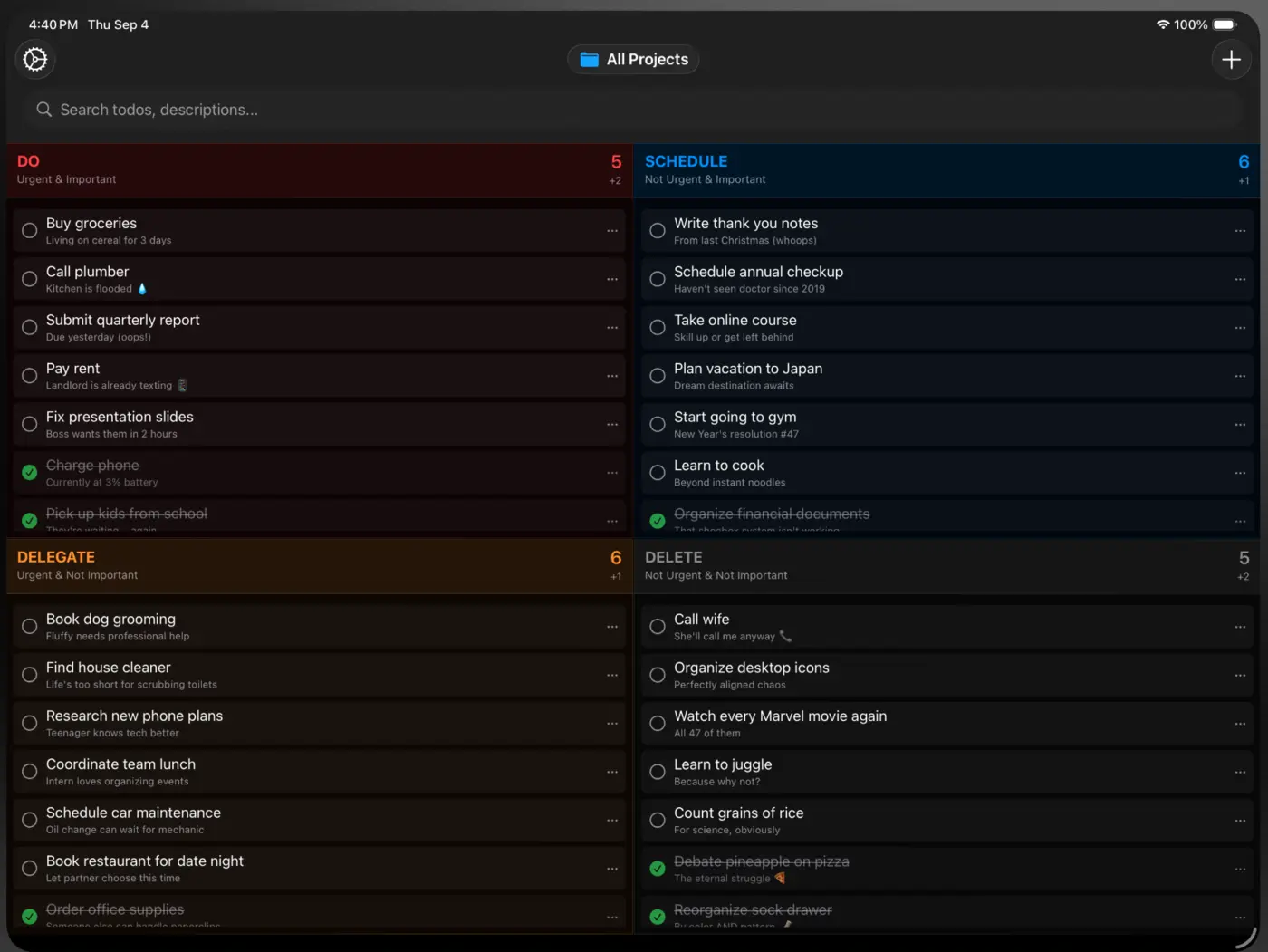 LightDark
Real screens from the App Store listing.
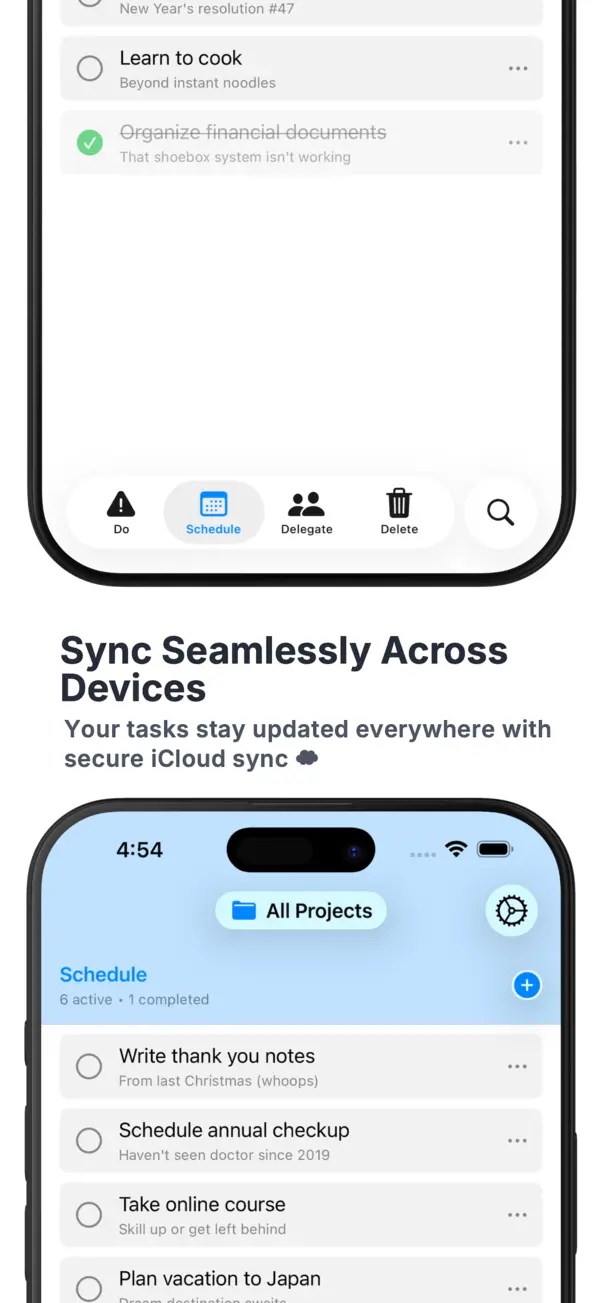
Add a task on your wrist, plan it on your iPad, tick it off on your iPhone. iCloud keeps every quadrant in sync, and nothing ever touches our servers.
Ready for iPhone Duo. Open it up and all four quadrants sit side by side, in beautiful Dark Mode.
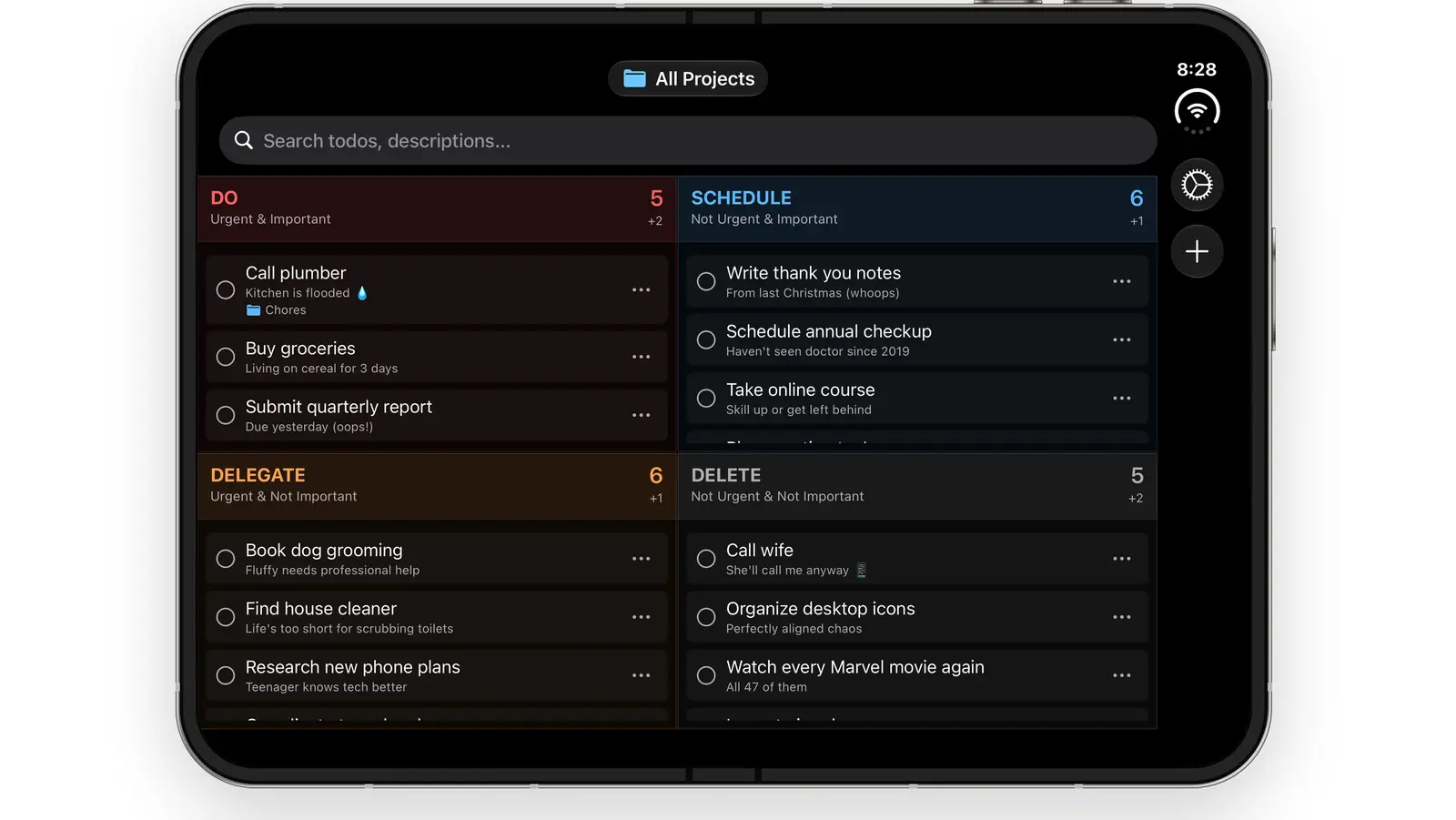
Every quadrant, one tap away. Tap the screen to look around.
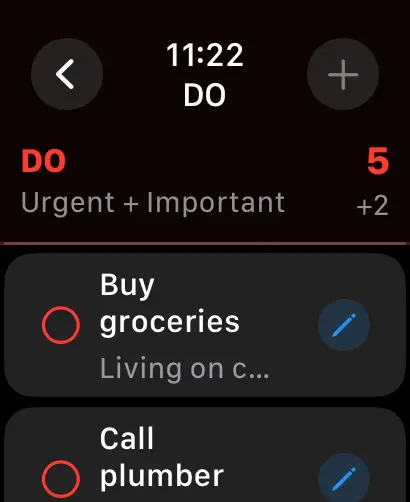
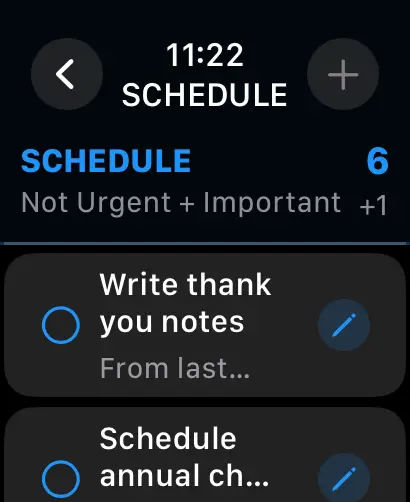
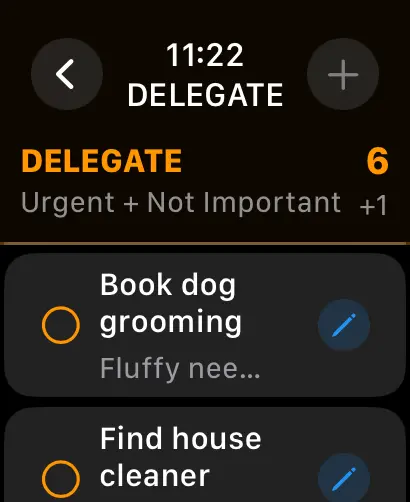
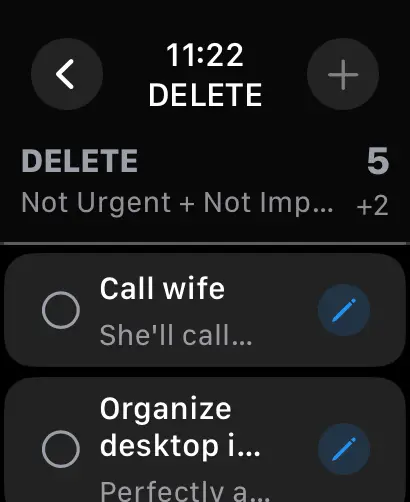
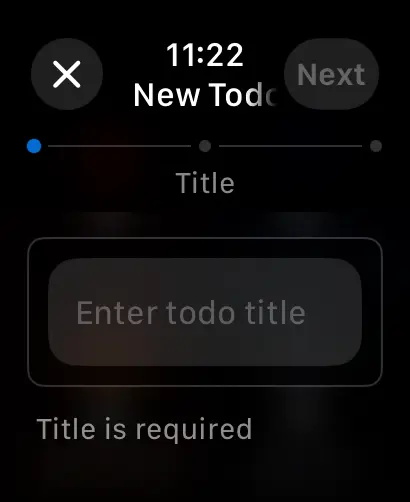
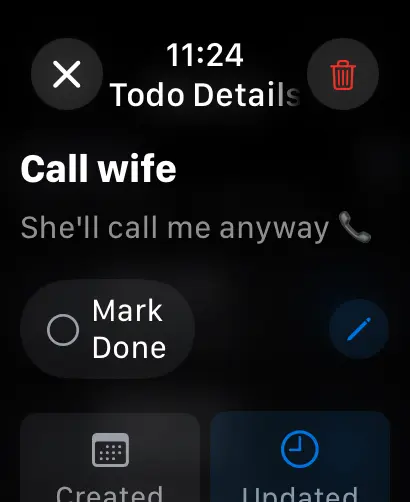
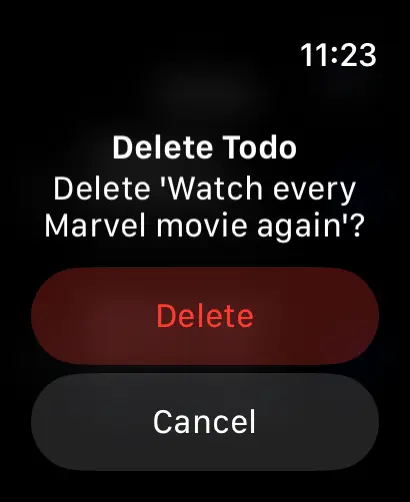
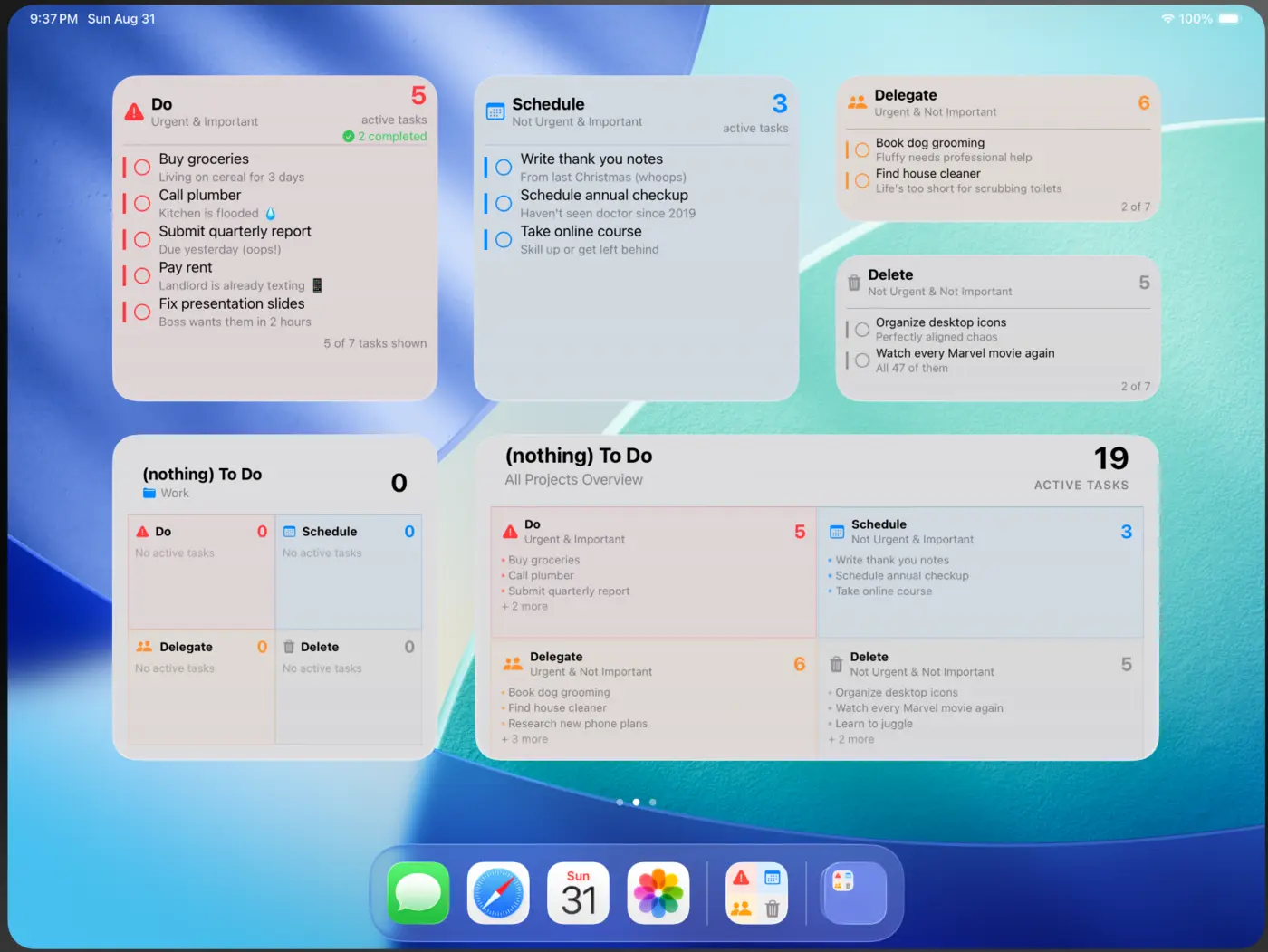
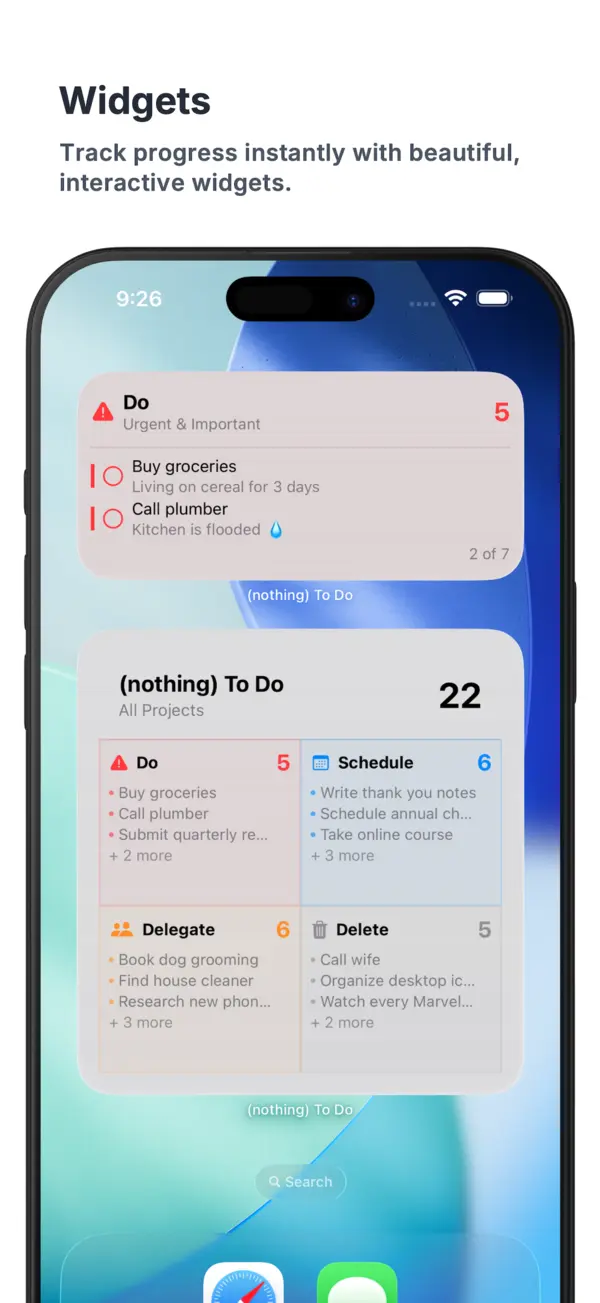
Interactive Home Screen widgets, right up to extra-large. Tick things off without opening the app.
Float the matrix next to your notes, mail or calendar with multi-window.
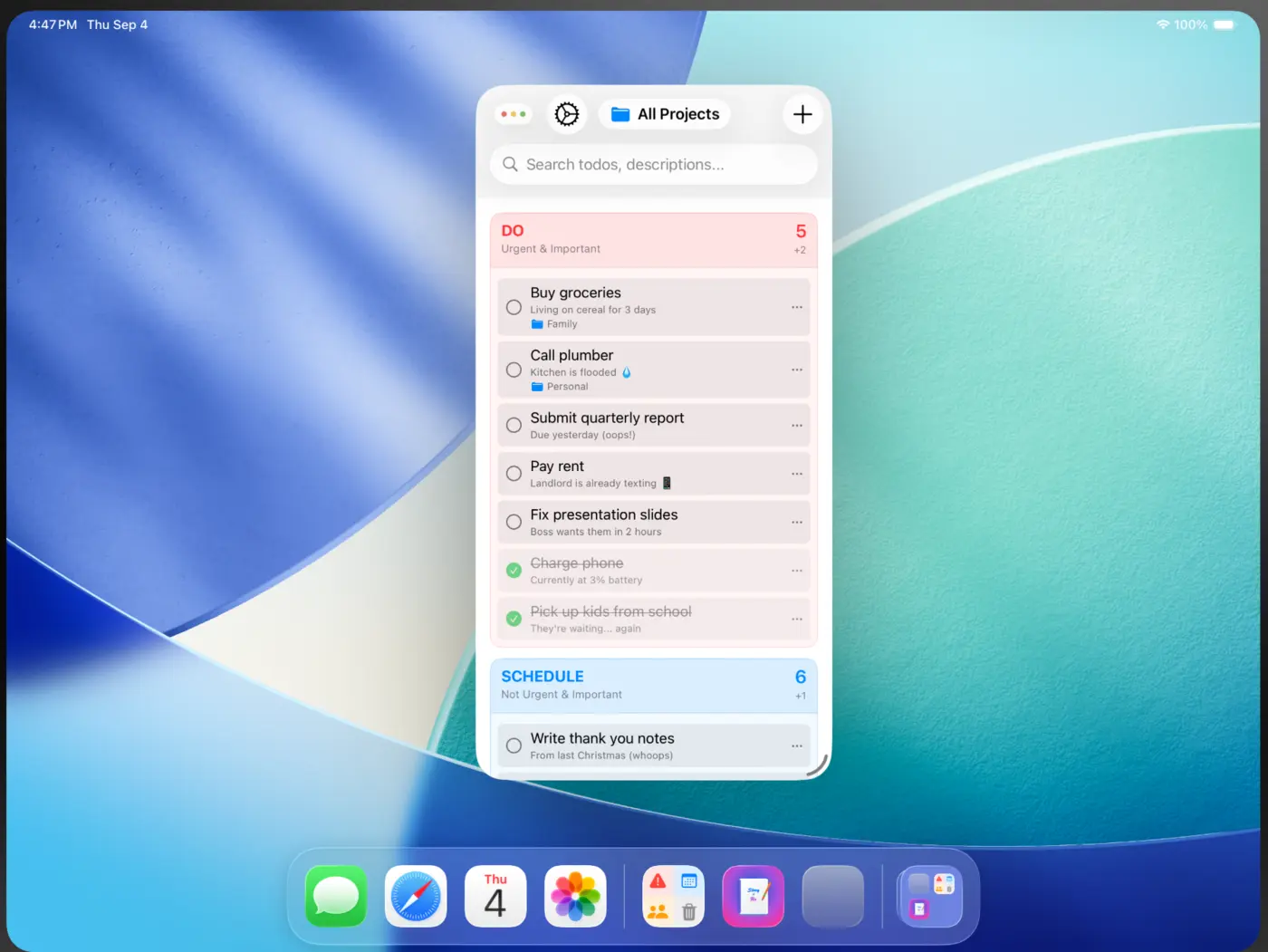
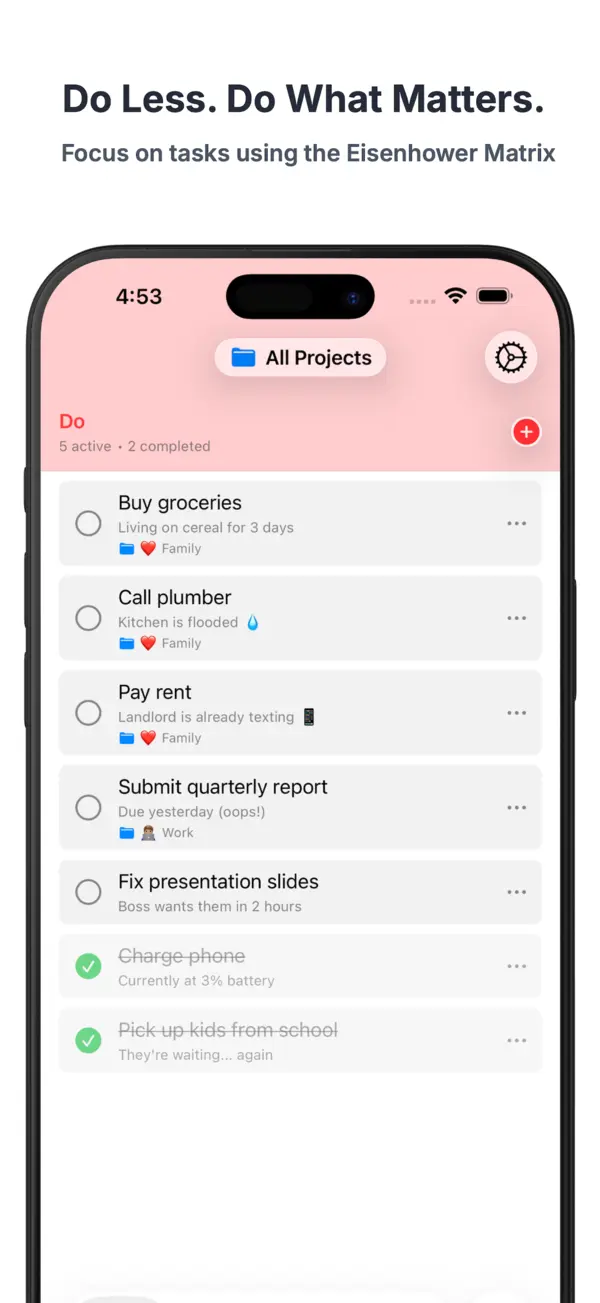
Never wonder "what should I do next?" again. The Do quadrant answers it.
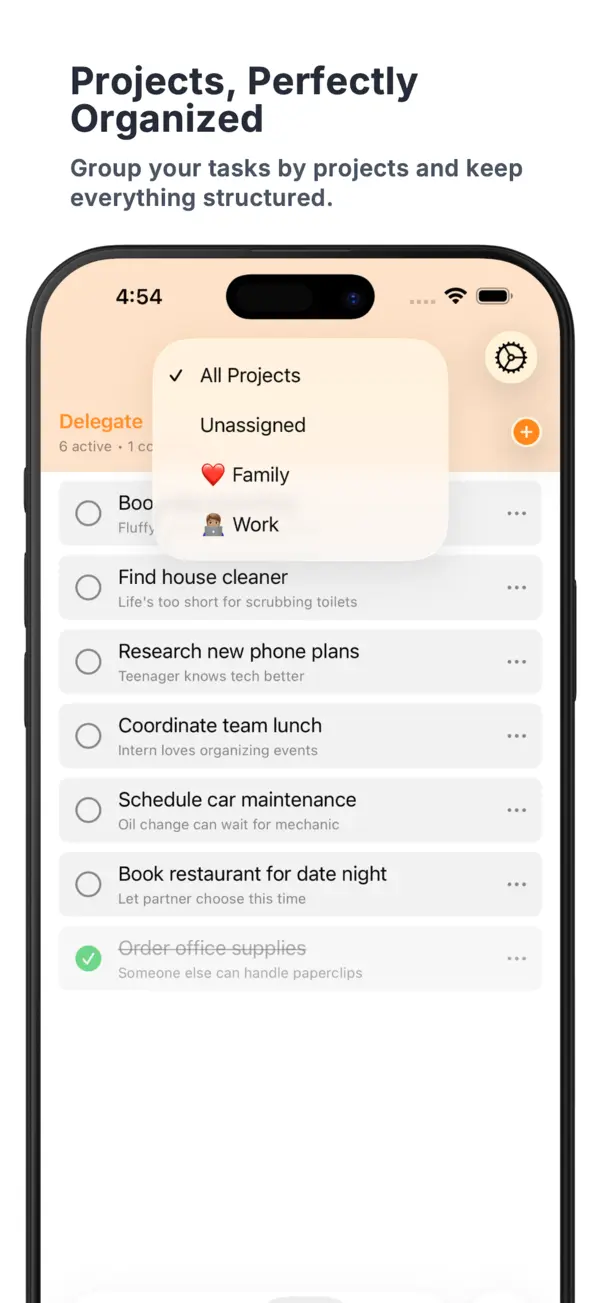
Group tasks by Family, Work, Chores or anything else, and filter the matrix to one.
Seamless across iPhone, iPad and Apple Watch, in your own iCloud.
Interactive Home Screen widgets, including an extra-large portrait one.
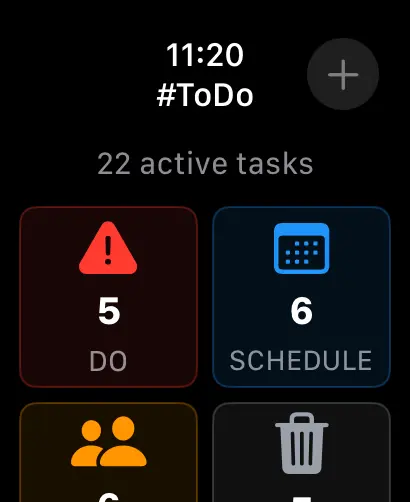
Check every quadrant, add a task, or mark one done, right from your wrist.
Unfold for all four quadrants side by side. Multi-window on iPad.
Looks just as calm at midnight as it does at noon.
Find any task by its title or description, across every quadrant.
No accounts, no ads, no tracking. We collect nothing at all.
(nothing) To Do is an Eisenhower Matrix to-do list app for iPhone, iPad and Apple Watch. It asks two questions about every task, is it urgent and is it important, and puts it in one of four quadrants: Do, Schedule, Delegate or Delete. You act on what is urgent and important, plan what matters, hand off the rest, and let go of what doesn't matter. It has projects, interactive Home Screen widgets, iCloud sync and Dark Mode, and costs $3.99 once, with no subscription, no in-app purchases and no tracking.
| (nothing) To Do | Plain list | |
|---|---|---|
| What to do next | The Do quadrant | You decide, every time |
| Important, not urgent work | Its own Schedule quadrant | Buried under deadlines |
| Things to hand off | Delegate quadrant | Mixed in with your tasks |
| Low-value tasks | Deleted on purpose | Stay on the list |
(nothing) To Do is a to-do list app for iPhone, iPad and Apple Watch built on the Eisenhower Matrix. Every task goes into one of four quadrants: Do (urgent and important), Schedule (important but not urgent), Delegate (urgent but not important) and Delete (neither). You see what to act on now, and what to let go.
The Eisenhower Matrix, also called the urgent-important matrix or Eisenhower Box, sorts tasks with two questions: is it urgent, and is it important? The answers give four quadrants. Do the urgent and important things now, schedule the important ones that can wait, delegate the urgent ones that are not important, and delete the rest.
It is named after Dwight D. Eisenhower, who said in a 1954 speech: "I have two kinds of problems, the urgent and the important. The urgent are not important, and the important are never urgent." Stephen Covey turned the idea into the four-quadrant time management grid in his 1989 book The 7 Habits of Highly Effective People.
Ask whether it has a real deadline soon (urgent) and whether it moves your goals forward (important). Urgent and important goes in Do. Important but not urgent goes in Schedule. Urgent but not important goes in Delegate. Neither goes in Delete.
(nothing) To Do costs $3.99 once on the App Store. There is no subscription, no in-app purchases, no ads and no account.
Yes. (nothing) To Do has an Apple Watch app that shows how many tasks are in each quadrant, lists the tasks in Do, Schedule, Delegate and Delete, and lets you add a task, mark it done or delete it from your wrist.
Yes. Tasks sync through your own iCloud account, so a task added on Apple Watch shows up on iPhone and iPad. iPad supports multi-window, and iPhone Duo shows all four quadrants side by side when unfolded.
Yes. It has interactive Home Screen widgets for iPhone and iPad, including an extra-large portrait widget, so you can see and tick off tasks without opening the app.
No. (nothing) To Do collects no personal data and has no third-party tracking. Your tasks stay on your devices and in your own iCloud, and ARRcade has no access to them.
An iPhone or iPad with iOS 18 or later; Apple Watch is optional. The app is available in English and Simplified Chinese.
Anand Raj R, an independent developer who publishes apps as ARRcade. The current version is 1.6, released in October 2026.
Download (nothing) To Do and find out how calm a short list feels.
$3.99 once, no subscription · iPhone, iPad and Apple Watch · Requires iOS 18 or later