01 · FIND
See what fills your phone.
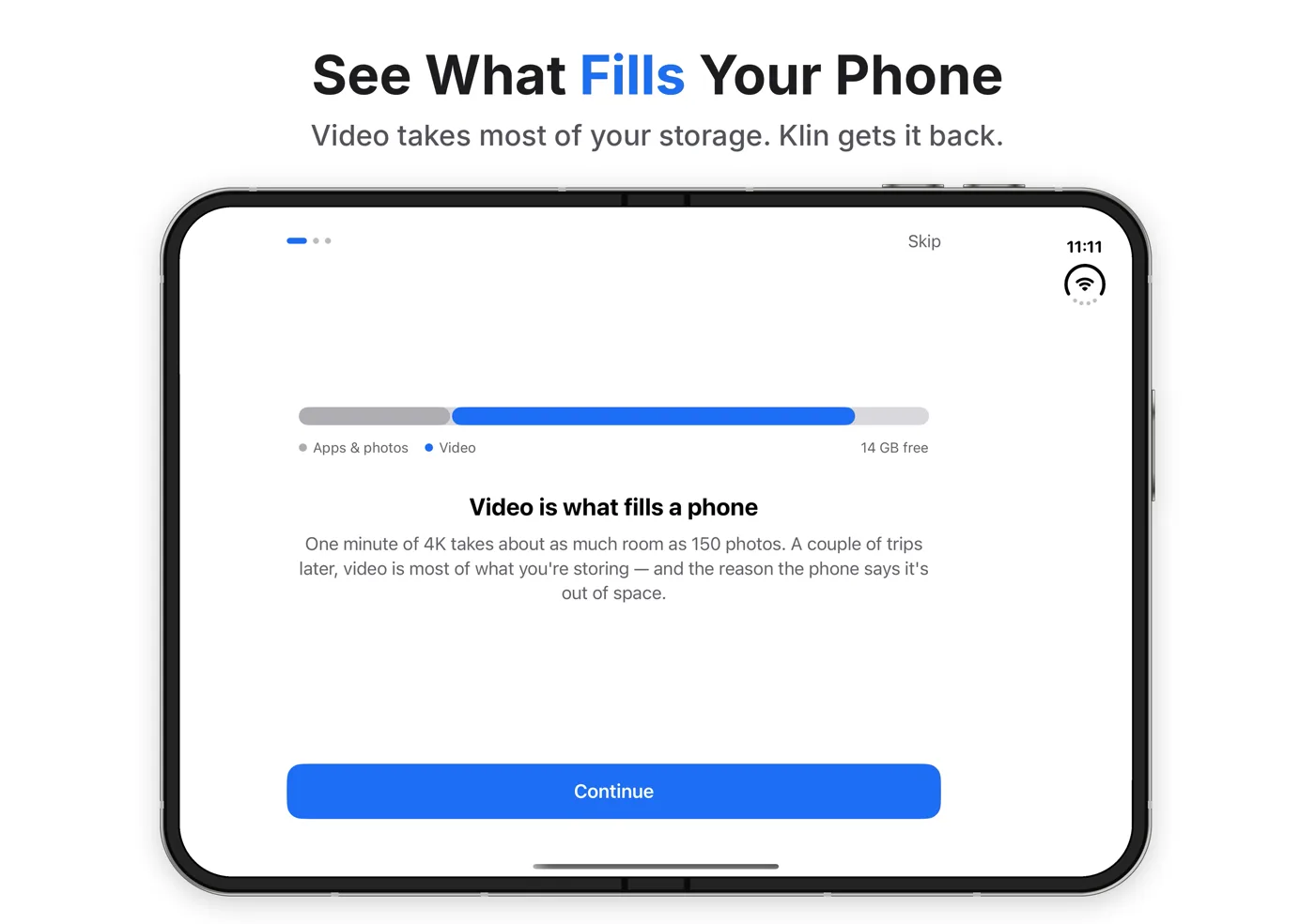
Video takes most of your storage. Klin lists your largest videos first, with size, length, resolution and whether each one lives on the phone or in iCloud.
Your phone isn't full of photos. It's full of video. Klin finds your largest videos and shrinks them up to 70% on the device, with the quality, date, location and albums intact.
A 1.95 GB 4K clip becomes 585 MB. 1.37 GB back, same memory.
One minute of 4K takes about as much room as 150 photos. Klin re-encodes the same footage with a more efficient codec at the quality you pick, and shows the new size before it starts.
Try the presets on a real clip from the app.
Klin works entirely on your iPhone. It only asks for your photo library so it can find big videos and put the smaller ones back.
Video takes most of your storage. Klin lists your largest videos first, with size, length, resolution and whether each one lives on the phone or in iCloud.
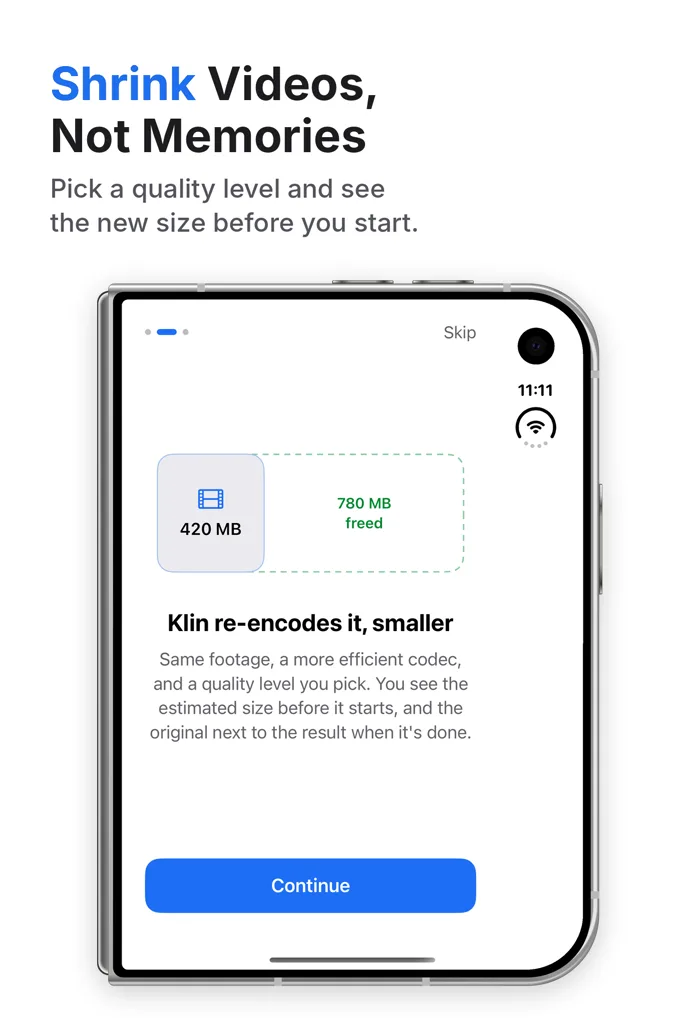
Same footage, a more efficient codec and a quality level you choose. Klin shows the estimated size before it starts, and the original next to the result when it's done.
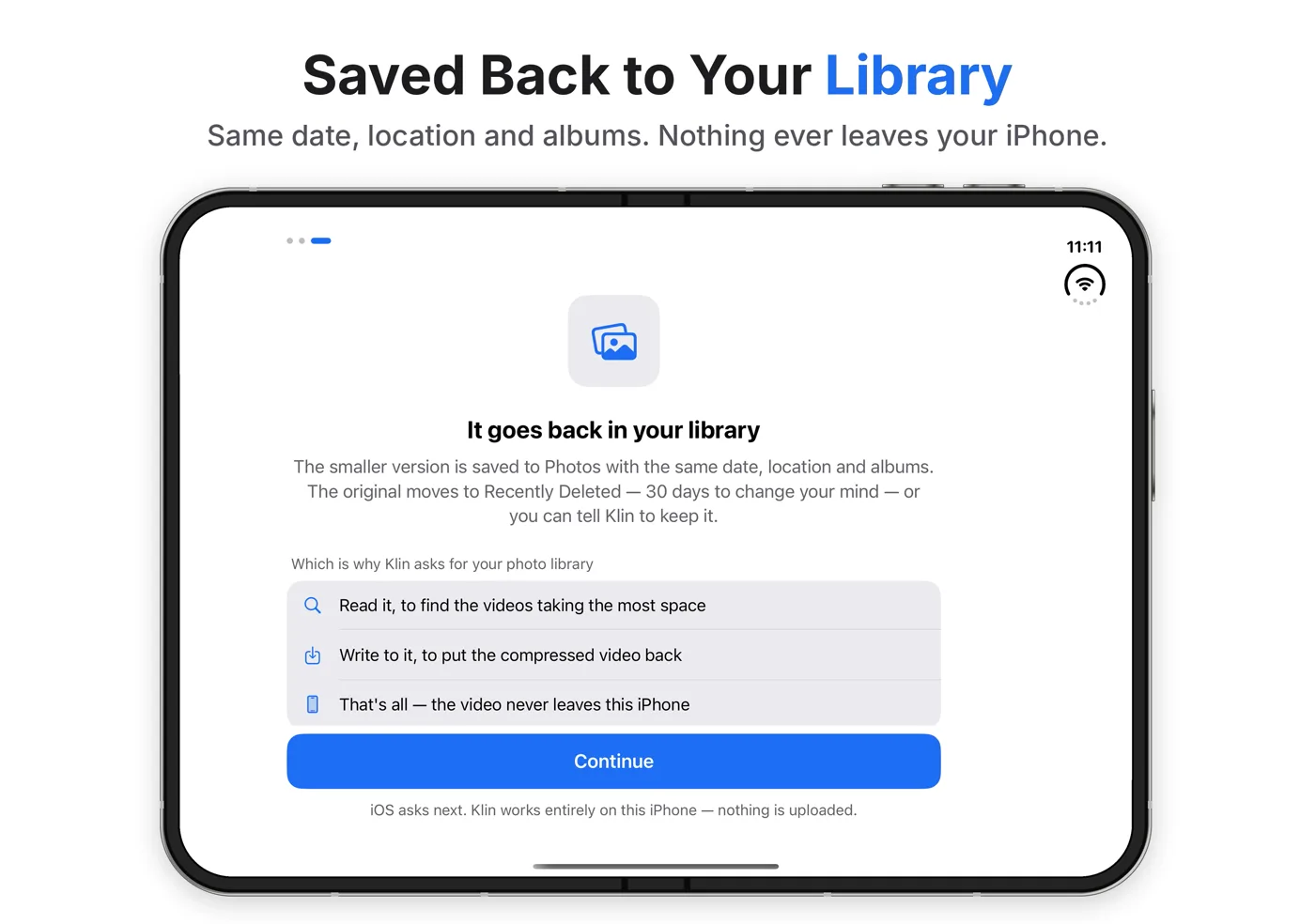
The smaller video goes to Photos with the same date, location and albums. The original moves to Recently Deleted, so you have 30 days to change your mind, or you can tell Klin to keep it.
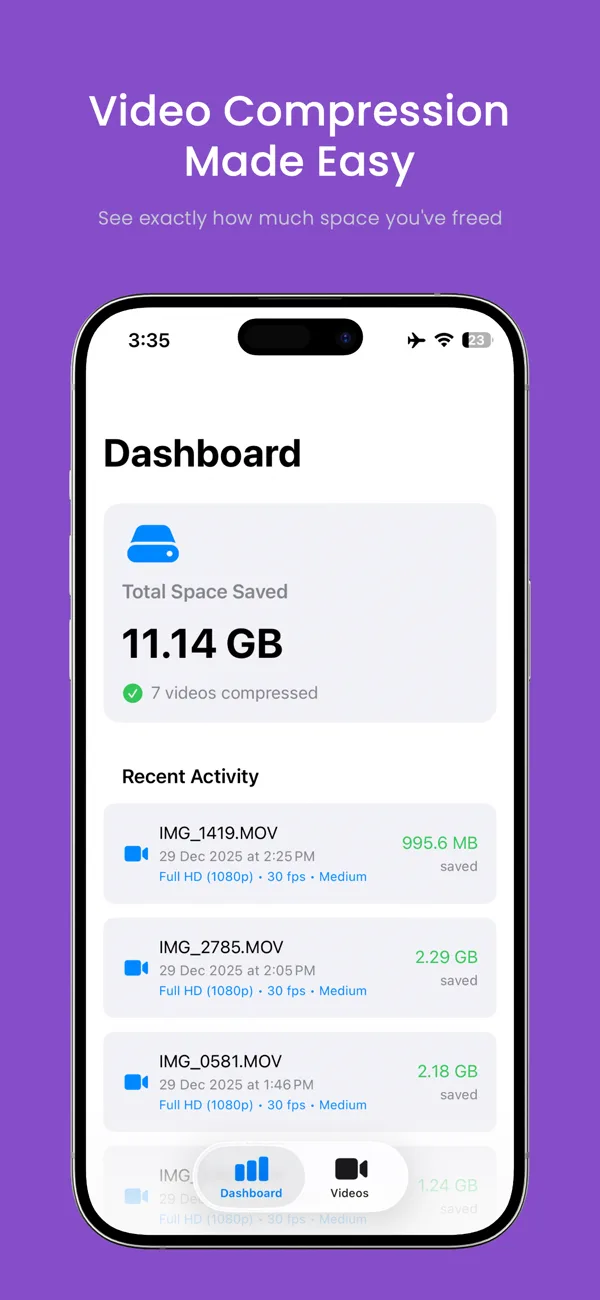
A dashboard of what you've saved, your biggest videos first, presets or full control, and progress you can watch.

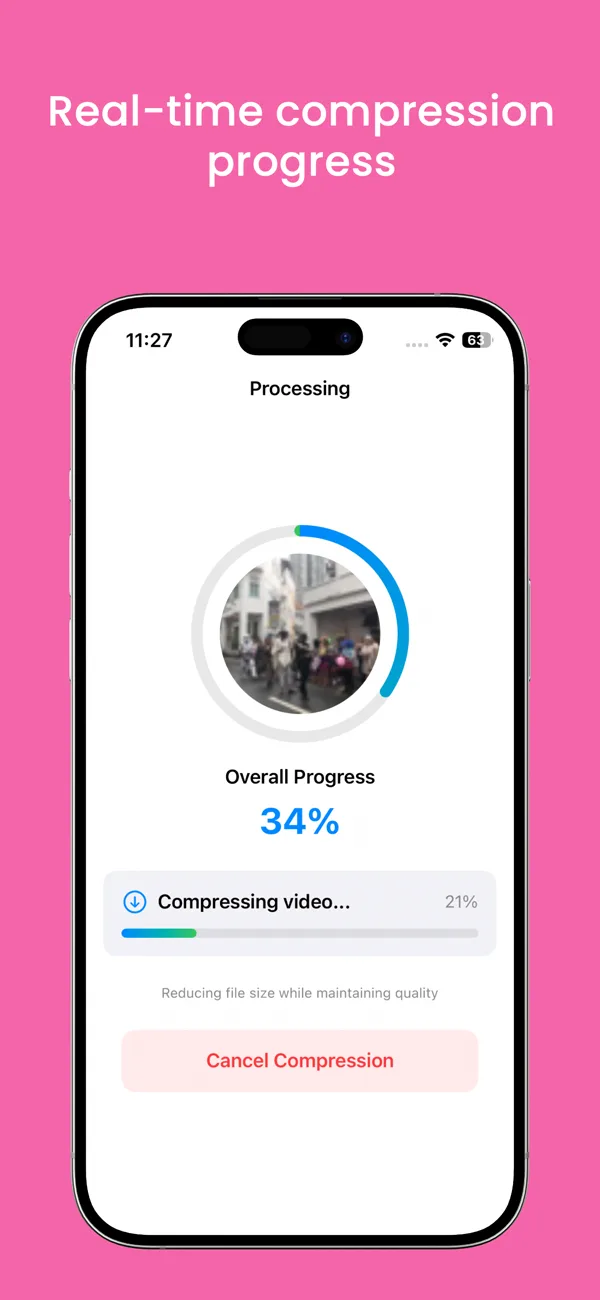
Finds your largest videos and cuts them about 70% on average. Handles 4K, 1080p, 720p and SD.
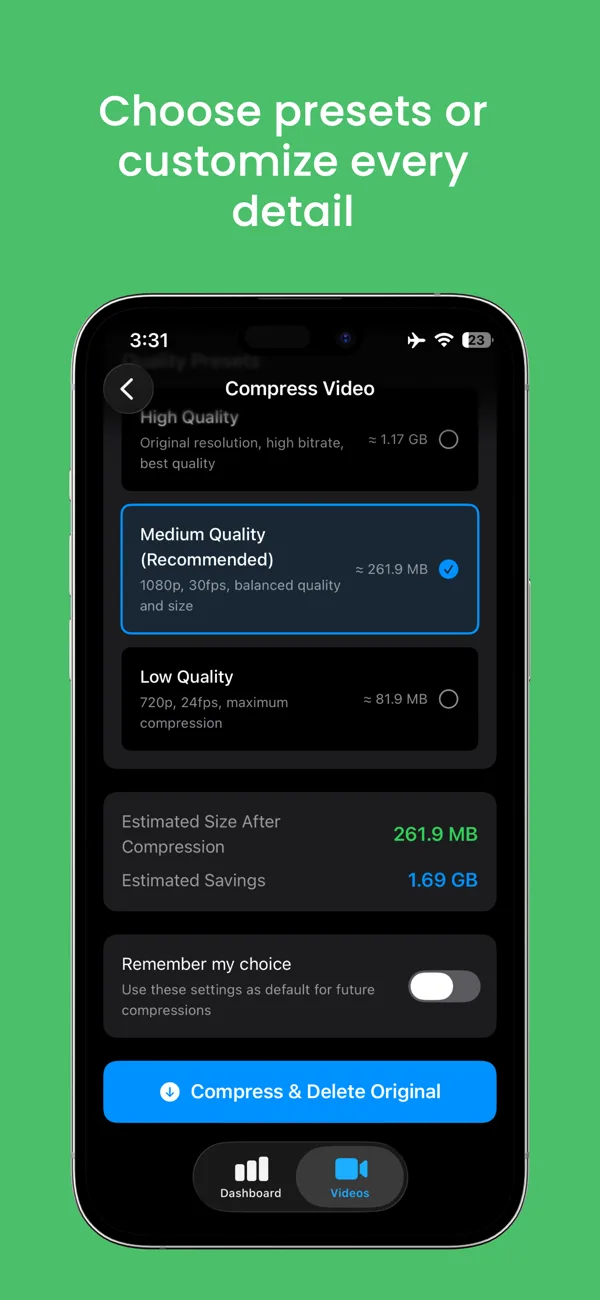
High, Medium or Low presets, or set resolution, frame rate (60, 30 or 24 fps) and bitrate yourself. Klin remembers your choice.
Every video is compressed on your iPhone. Nothing is uploaded, there's no account, and Klin collects no data.
The smaller video keeps its creation date, location and albums, so it stays in the same place in Photos.
Compress videos stored in iCloud Photos as well as on the phone. Smaller files save iCloud space as well.
A dashboard shows the total space freed, a history of every compressed video and the settings used.
Use the modern HEVC codec for maximum compression: the same picture in far fewer bytes than H.264.
Originals go to Recently Deleted, not straight to the void. Or keep them; it's your call.
Layouts made for the unfolded screen, so there's more room for your videos and their details.
Klin is a video compressor for iPhone. It finds the videos taking the most space in your photo library and re-encodes them smaller, by up to 70%, entirely on the device. The smaller copy goes back into Photos with the same date, location and albums, and the original moves to Recently Deleted. Choose a High, Medium or Low preset, or set resolution (4K, 1080p, 720p or SD), frame rate (60, 30 or 24 fps), bitrate and the HEVC (H.265) codec yourself, and see the estimated size before you start. It costs $1.99 once, with no subscription, no in-app purchases and no data collection.
| Klin | Delete videos | Upload to a web compressor | |
|---|---|---|---|
| Keep the memory | Yes, smaller | No | Yes |
| Video leaves your phone | Never | No | Yes, to a server |
| Date, location, albums | Kept | Gone | Often lost |
| Undo | 30 days | 30 days | Varies |
| Cost | $1.99 once | Free | Often ads or a plan |
Video compression is re-encoding a video so it takes fewer bytes to store. A compressor lowers the bitrate, and optionally the resolution or frame rate, and can switch to a more efficient codec such as HEVC (H.265). In Klin, a 24-second 4K video of 1.95 GB re-encoded at 1080p and 30 fps comes to about 262 MB.
The picture stays watchable because most phone screens, and most clips you share, never show the full 4K detail. That is why compressing is usually a better trade than deleting: you keep the moment and give back most of the space.
Klin is a video compressor for iPhone. It finds the videos taking the most space in your photo library and re-encodes them smaller, by up to 70%, on the device. The smaller copy goes back to Photos with the same date, location and albums.
Open Klin, pick a video from the list of your largest videos, choose a quality preset (Medium, 1080p at 30 fps, is recommended) and tap Compress. Klin shows the estimated new size before it starts and saves the smaller video back to Photos.
Up to 70% per video, about 70% on average, and more at lower settings. In the app, a 24-second 4K video of 1.95 GB comes to about 1.17 GB at High quality, 262 MB at Medium and 82 MB at Low. The result depends on the source video and the settings you choose.
Klin keeps quality as high as the settings allow. High keeps the original resolution with a high bitrate, Medium (1080p, 30 fps) looks the same on a phone screen for most clips, and Low (720p, 24 fps) is for videos where size matters most. You can play the video before compressing and compare the result with the original afterwards.
Yes. The compressed video is saved to Photos with the original creation date, location and album membership, so it stays in the same place in your timeline and albums.
After compressing, the original moves to Recently Deleted in Photos, where you have 30 days to change your mind. You can also tell Klin to keep the original.
No. Klin compresses videos entirely on your iPhone with Apple's video frameworks. Nothing is uploaded, Klin has no servers, and it collects no data: no analytics, no ads and no account.
Yes. Klin shows whether a video is on the phone or in iCloud and can compress both. The compressed copy syncs through iCloud Photos like any other video, so it saves iCloud space too.
Resolution (4K, 1080p, 720p or SD), frame rate (60, 30 or 24 fps), bitrate quality and the HEVC (H.265) codec for maximum compression. Klin can remember your choice as the default for future compressions.
Klin costs $1.99 once on the App Store. There is no subscription, no in-app purchases and no ads.
An iPhone with iOS 17 or later. Klin also supports iPhone Duo, with layouts made for the unfolded screen. The app is 8.5 MB and in English.
Anand Raj R, an independent developer who publishes apps as ARRcade. Klin launched in January 2026; the current version is 1.3, released in October 2026.